Go beyond simple text forms with Voice Widgets pro
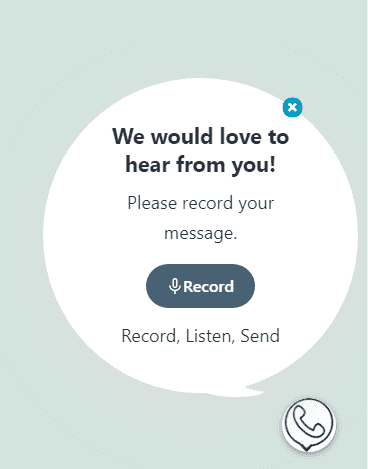
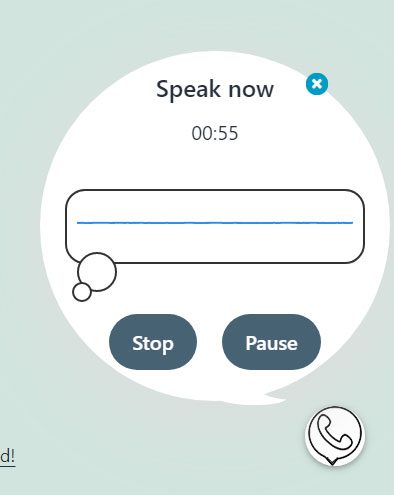
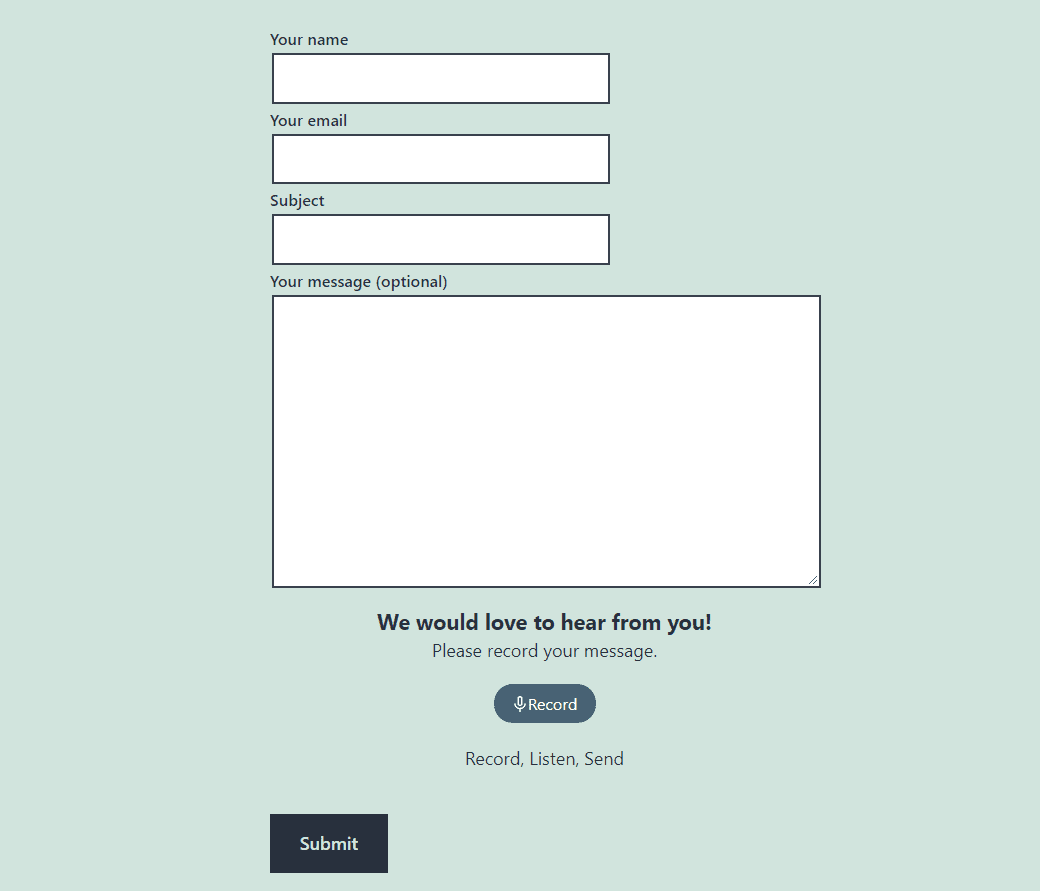
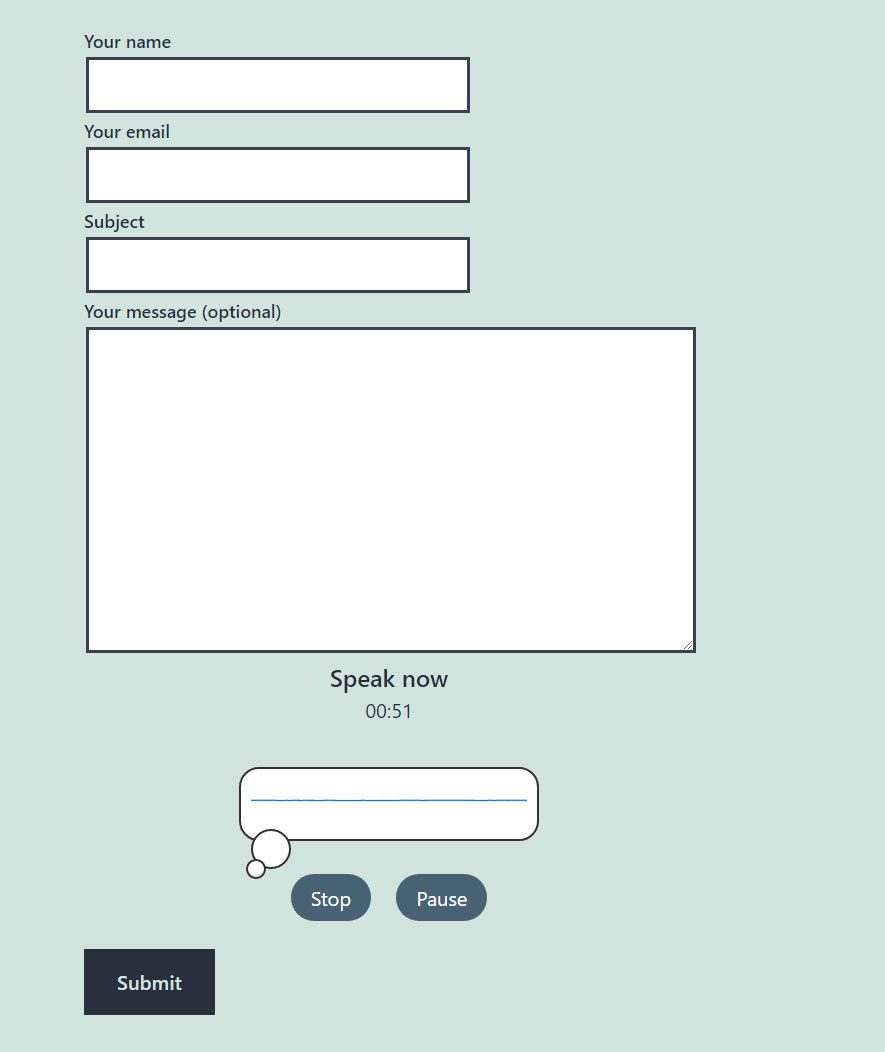
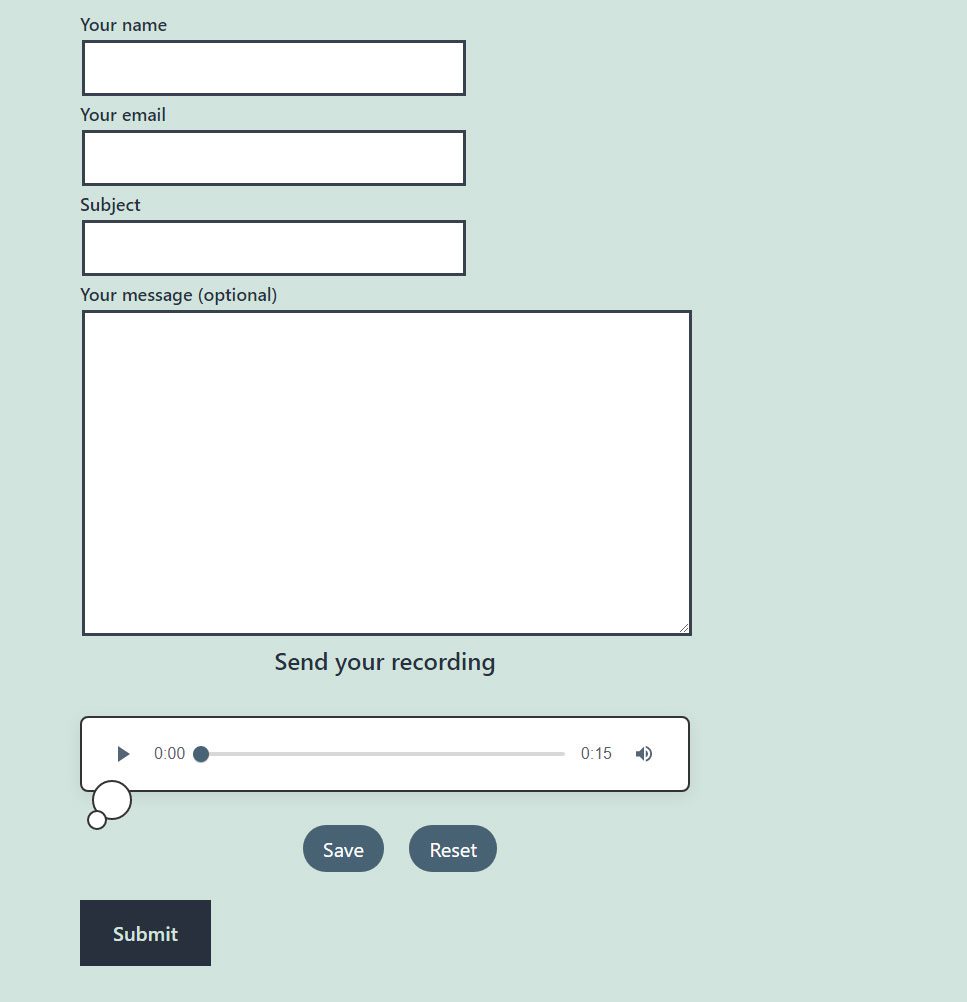
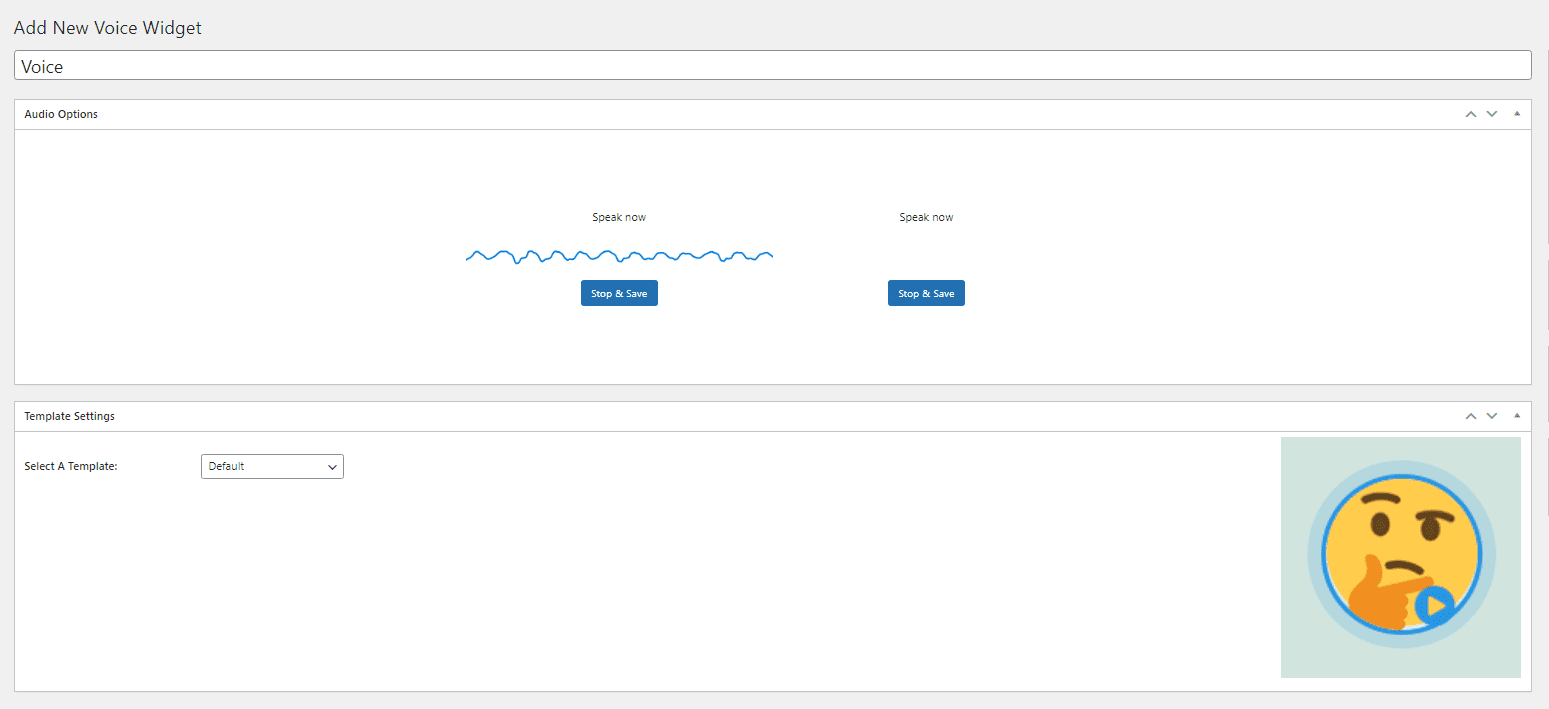
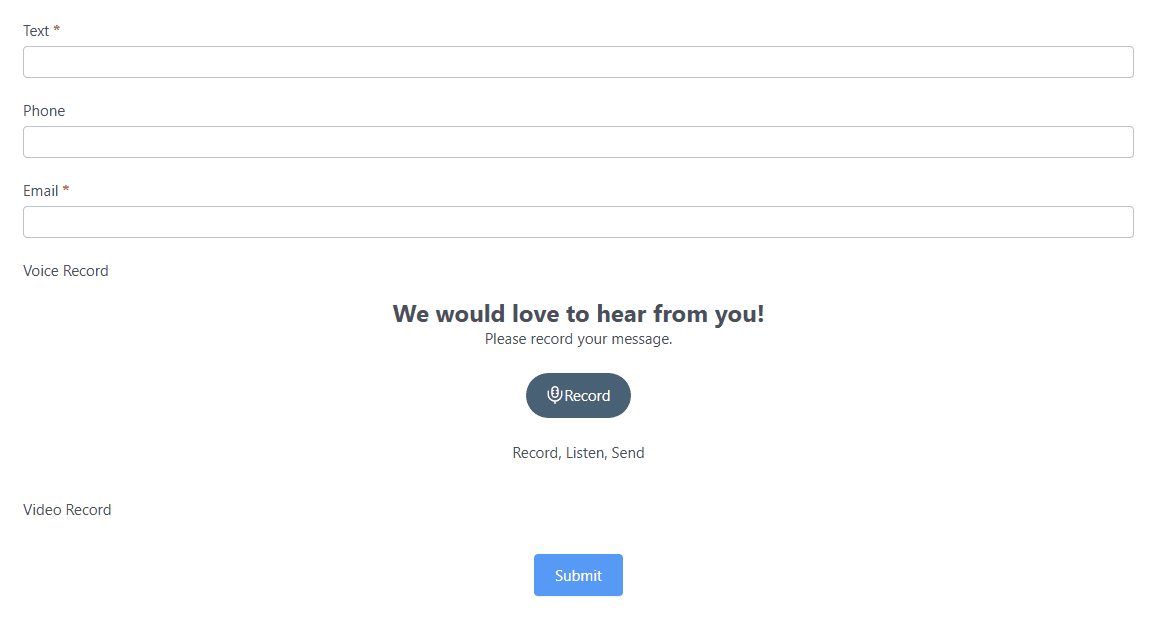
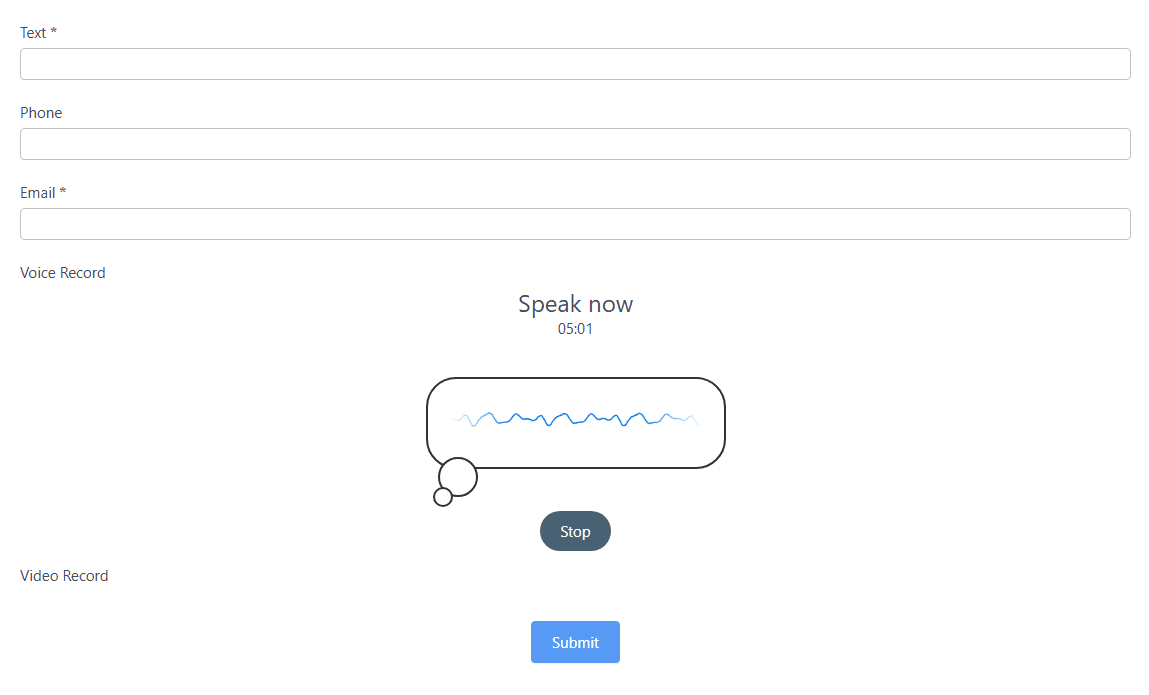
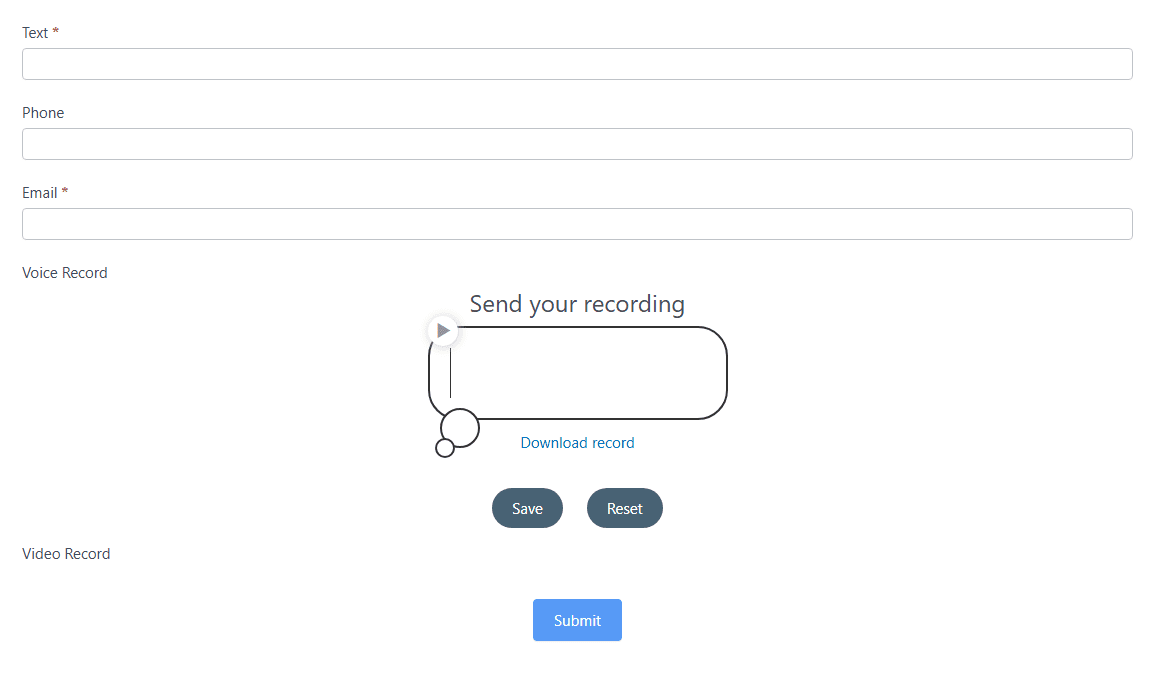
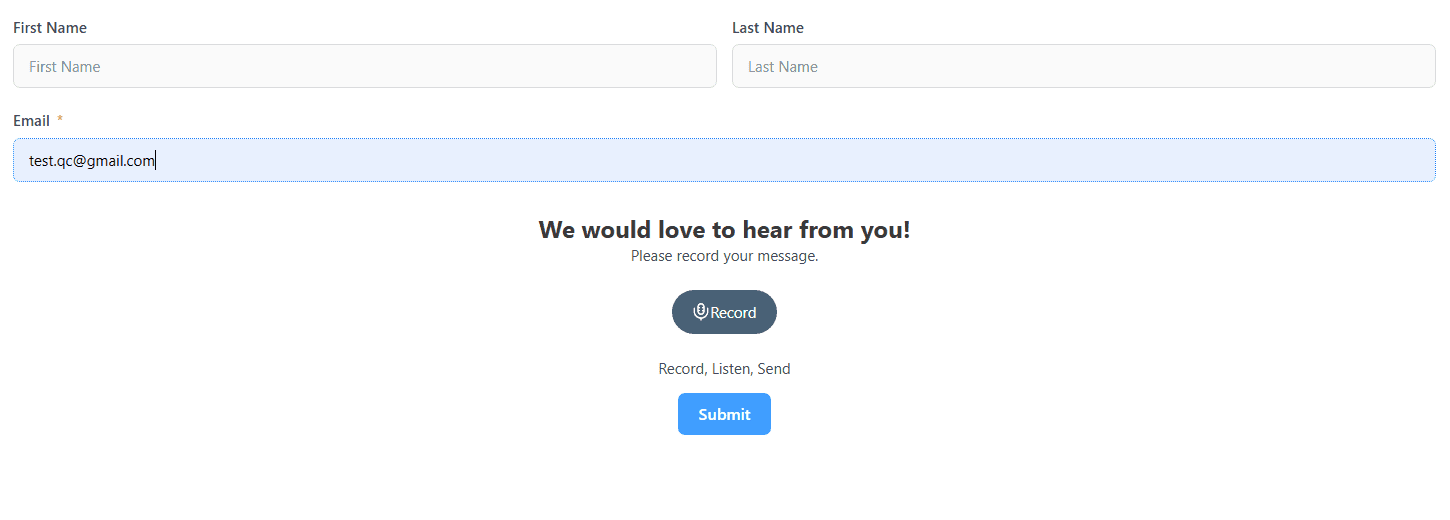
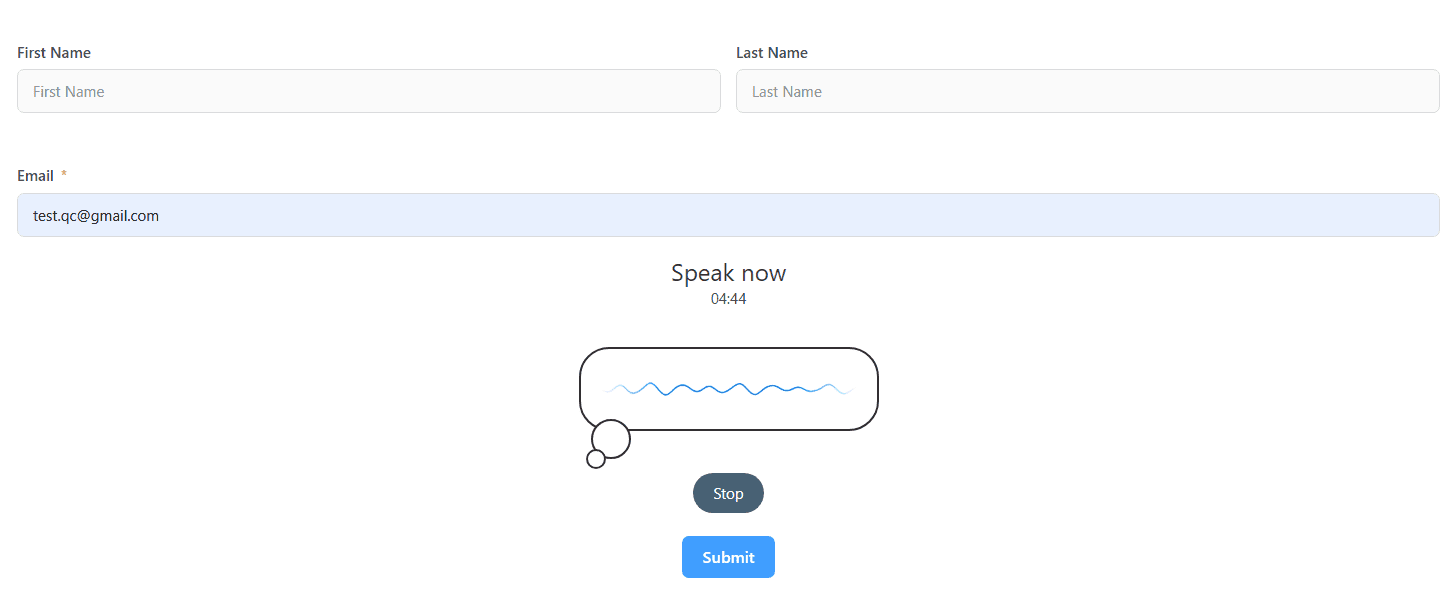
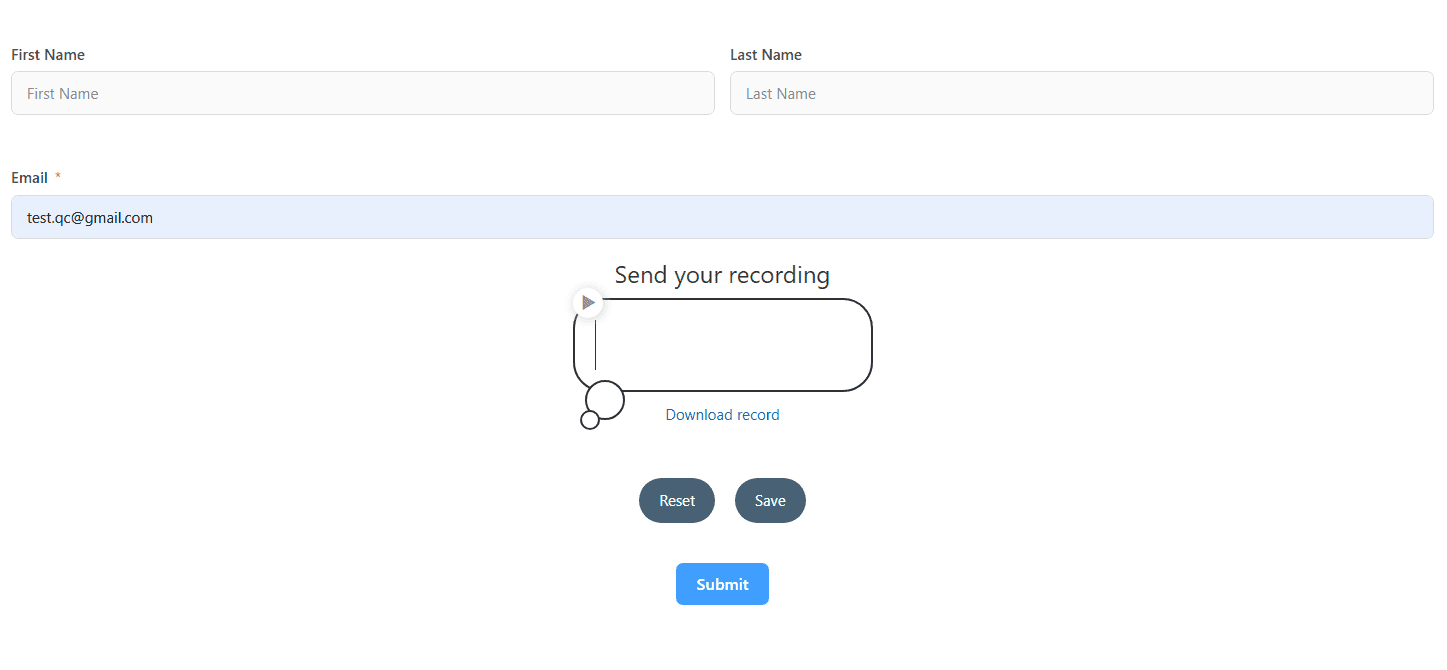
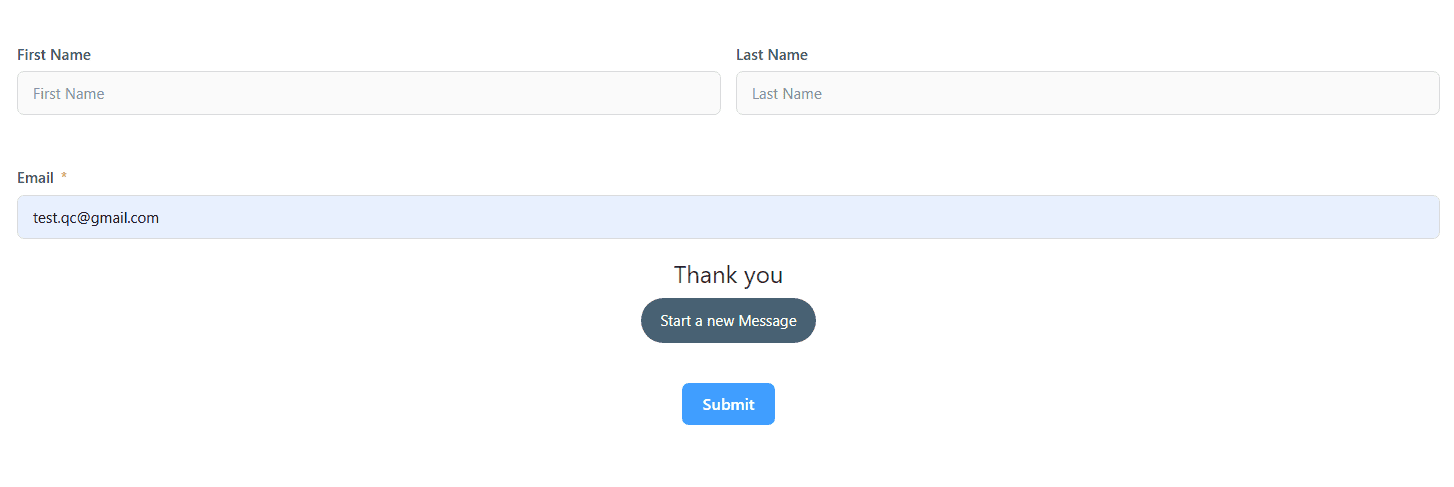
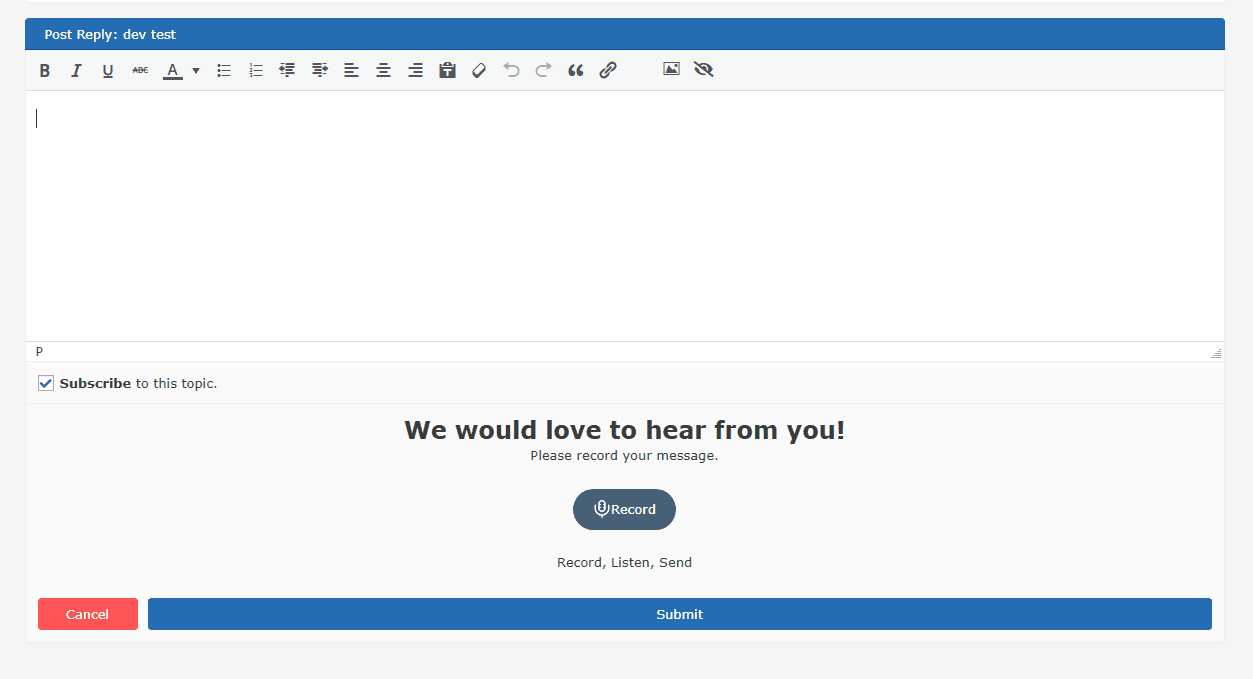
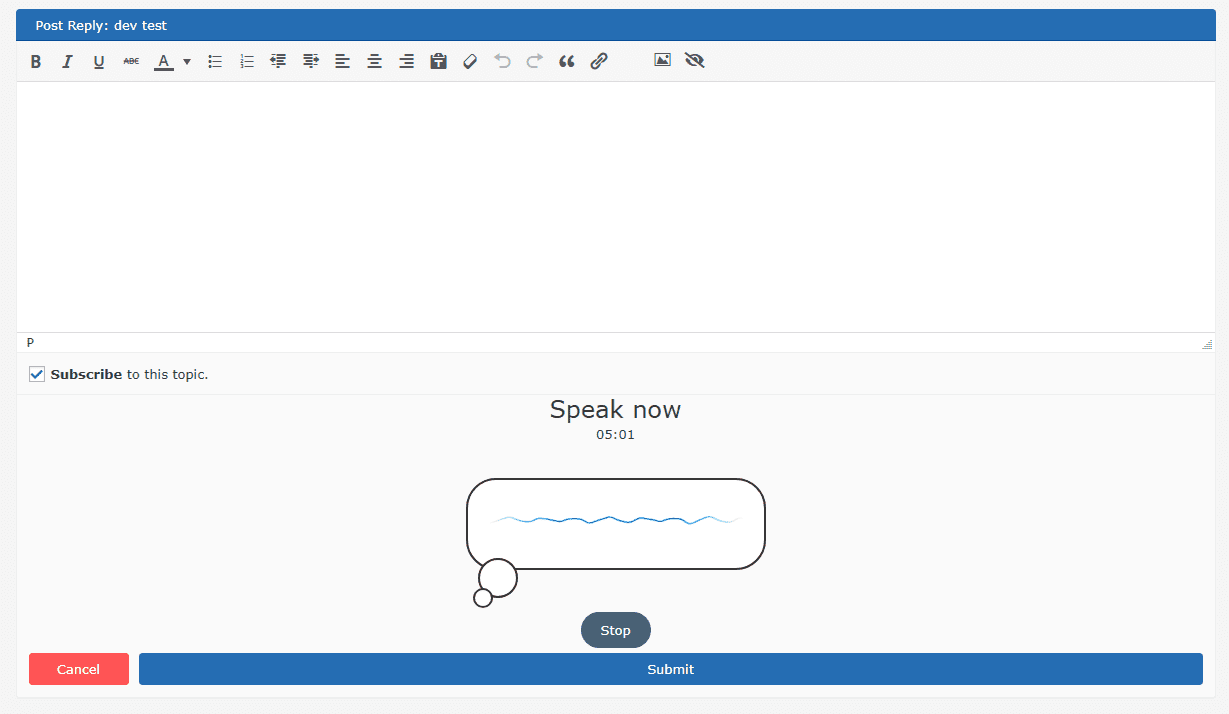
Get voice messages with your forms and increase user conversions with Voice widgets. Record voice messages with your WordPress forms – CF7, WPForms, Gravity Forms, Formidable Forms, Fluent forms, BBPress, BuddyBoss. Blog Comments, and WooCommerce Product Reviews. Or show a floating icon or standalone voice form on your pages so your users can leave a voice message with additional information easily.
Use Voice widgets to speak to your website users and explain your products and services in your own voice, generating trust and increasing conversion rates with Call to Action buttons.
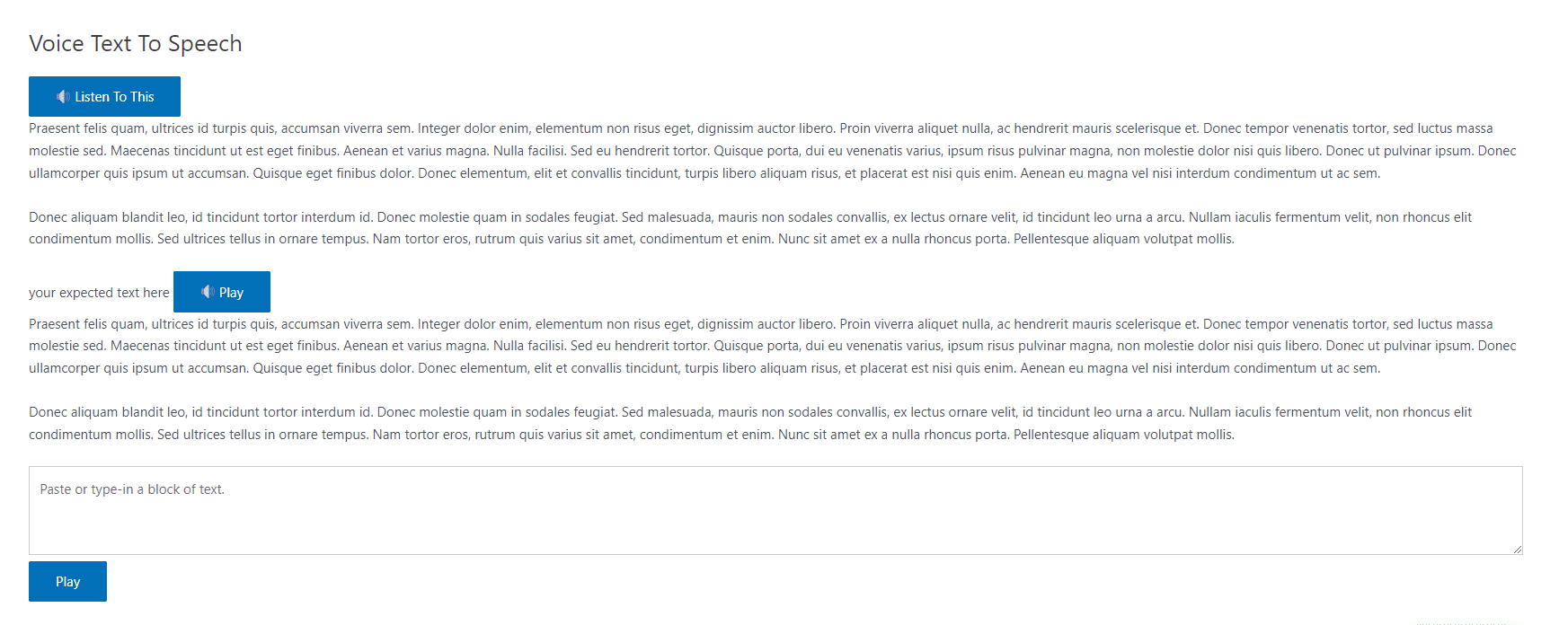
Add Text to Speech to read aloud your website content.
Transcribe voice and audio files with AI. Also supports transcriptions from YouTube and Vimeo videos. AI-rewrite transcriptions and convert to blog posts.
Add Speech to Text Mic button with any Form field, Woocommerce Review, Blog Comment field.
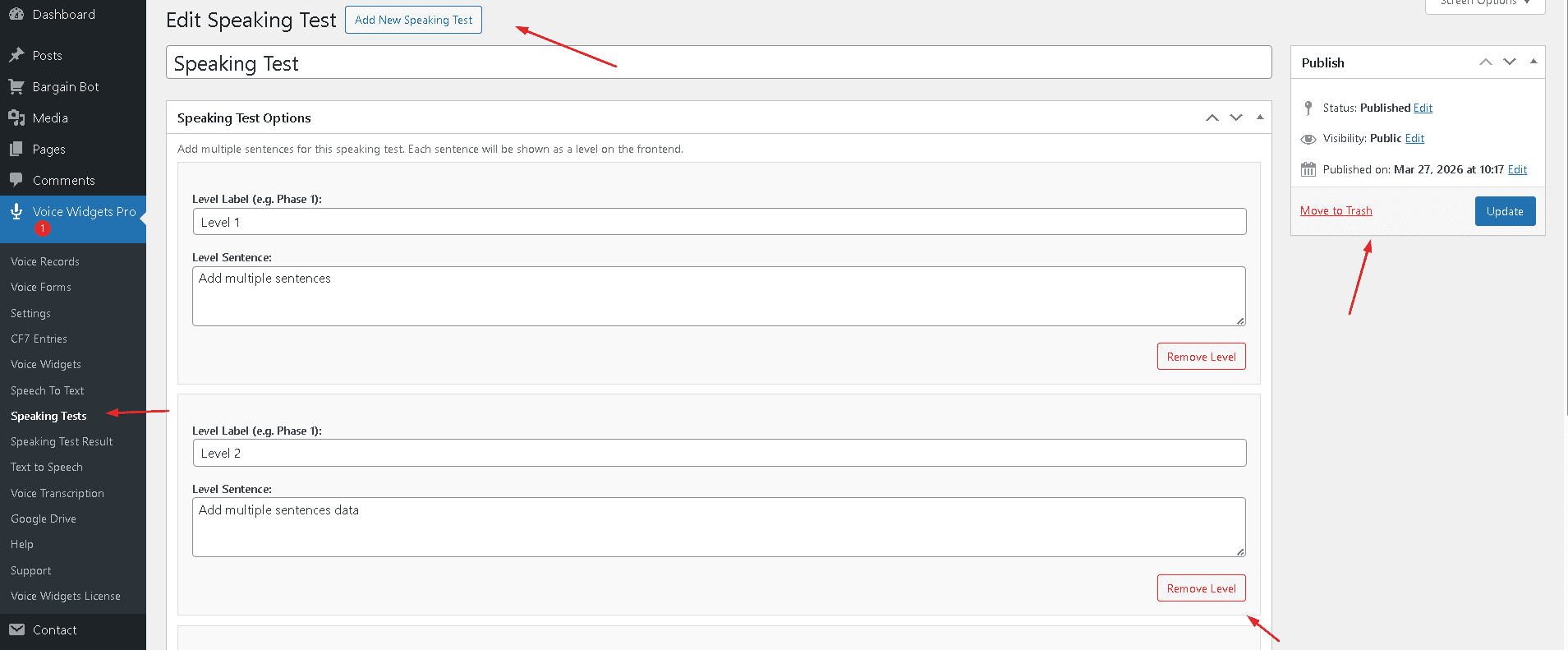
Powerful features for Language teachers to take Spoken Language tests & grade. Works with or without AI.
Visual Page Builder Support: Works with all page builder plugins like
Gutenberg, Elementor, Visual Composer, Beaver Builder etc.
Voice Widgets Pro
Voice Widgets Free
Voice Widgets Pro
Voice Widgets Pro version Features
Integrations with other plugins
Voice Record with Contact Form 7 (CF7)
Voice Record with WPForms
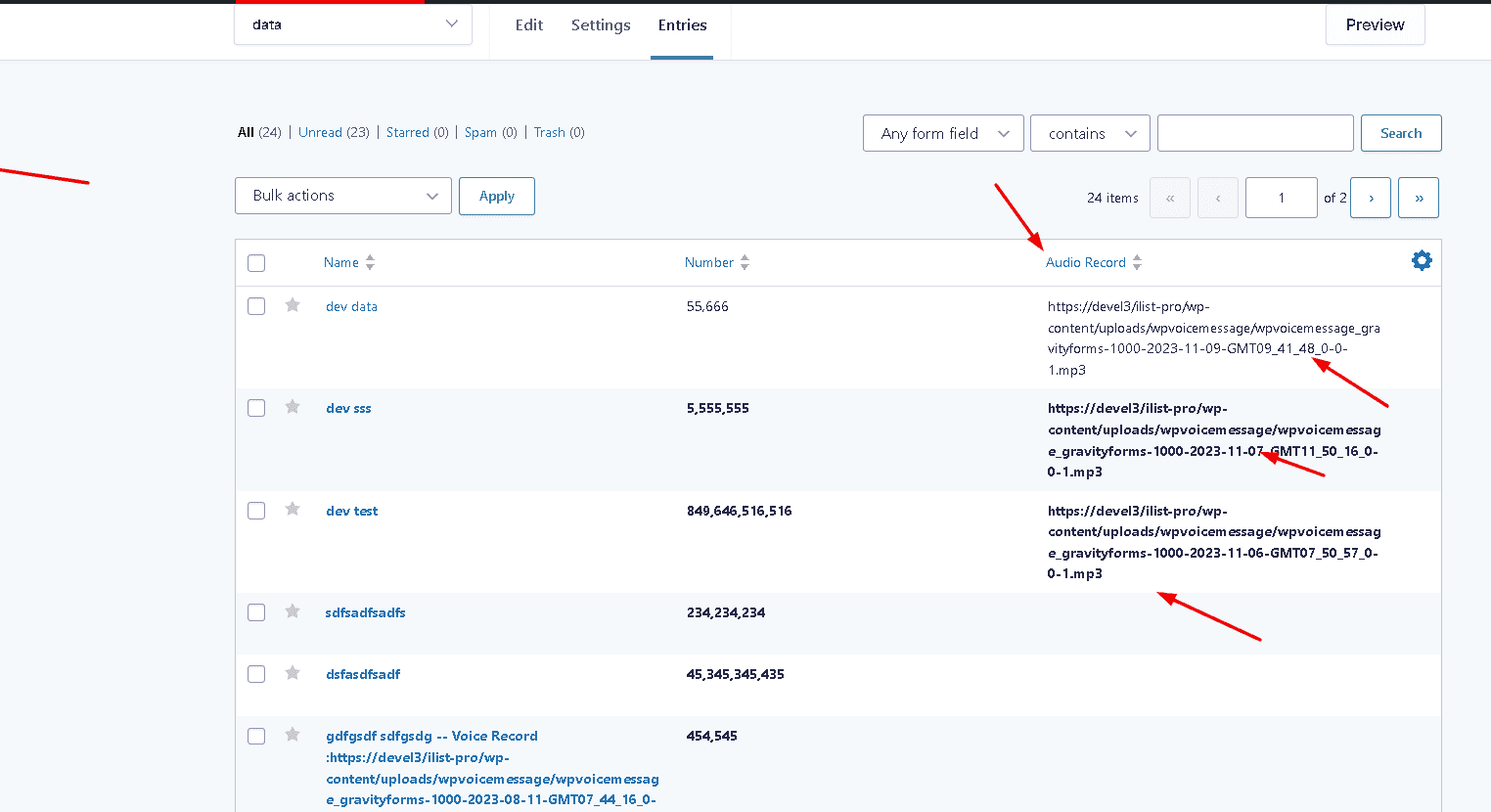
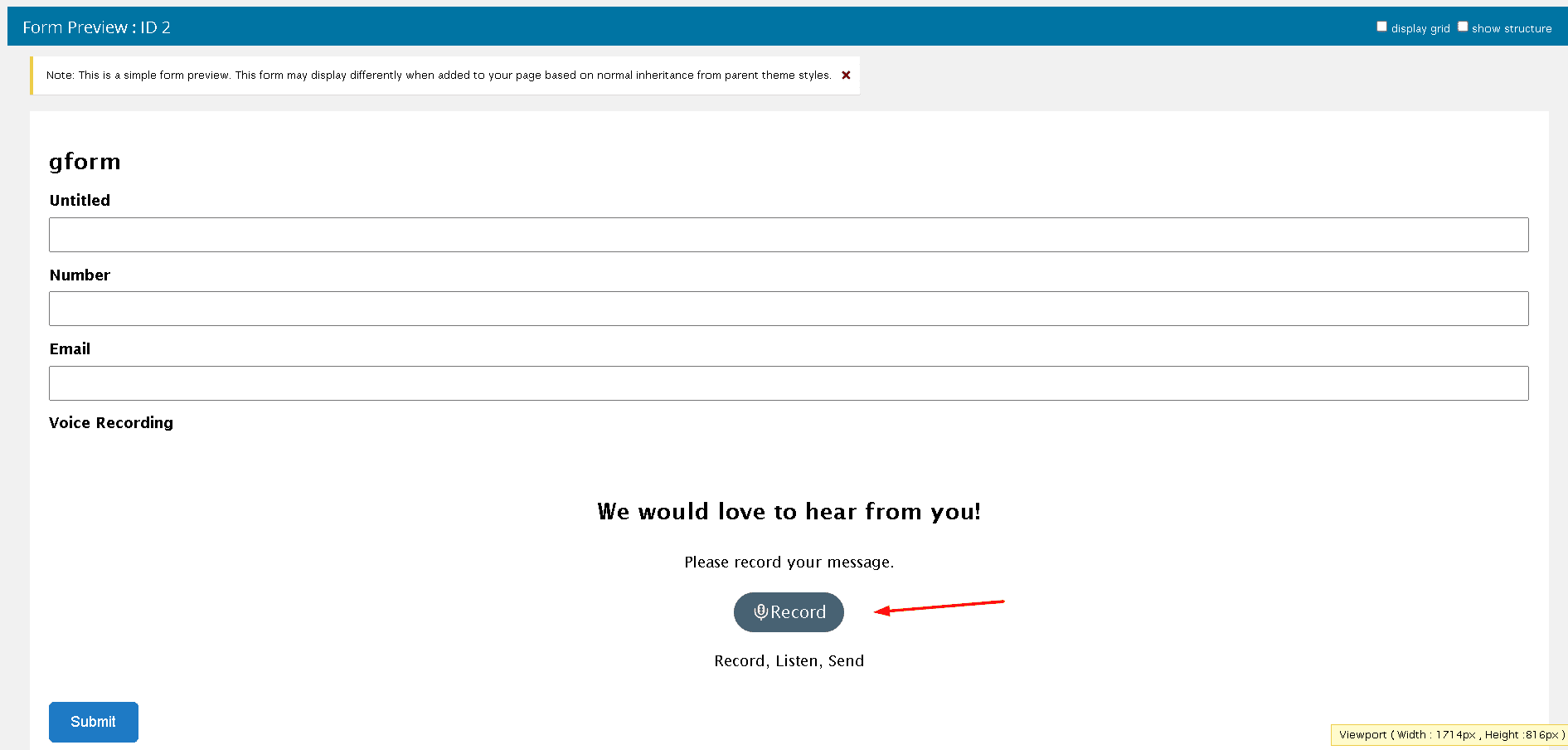
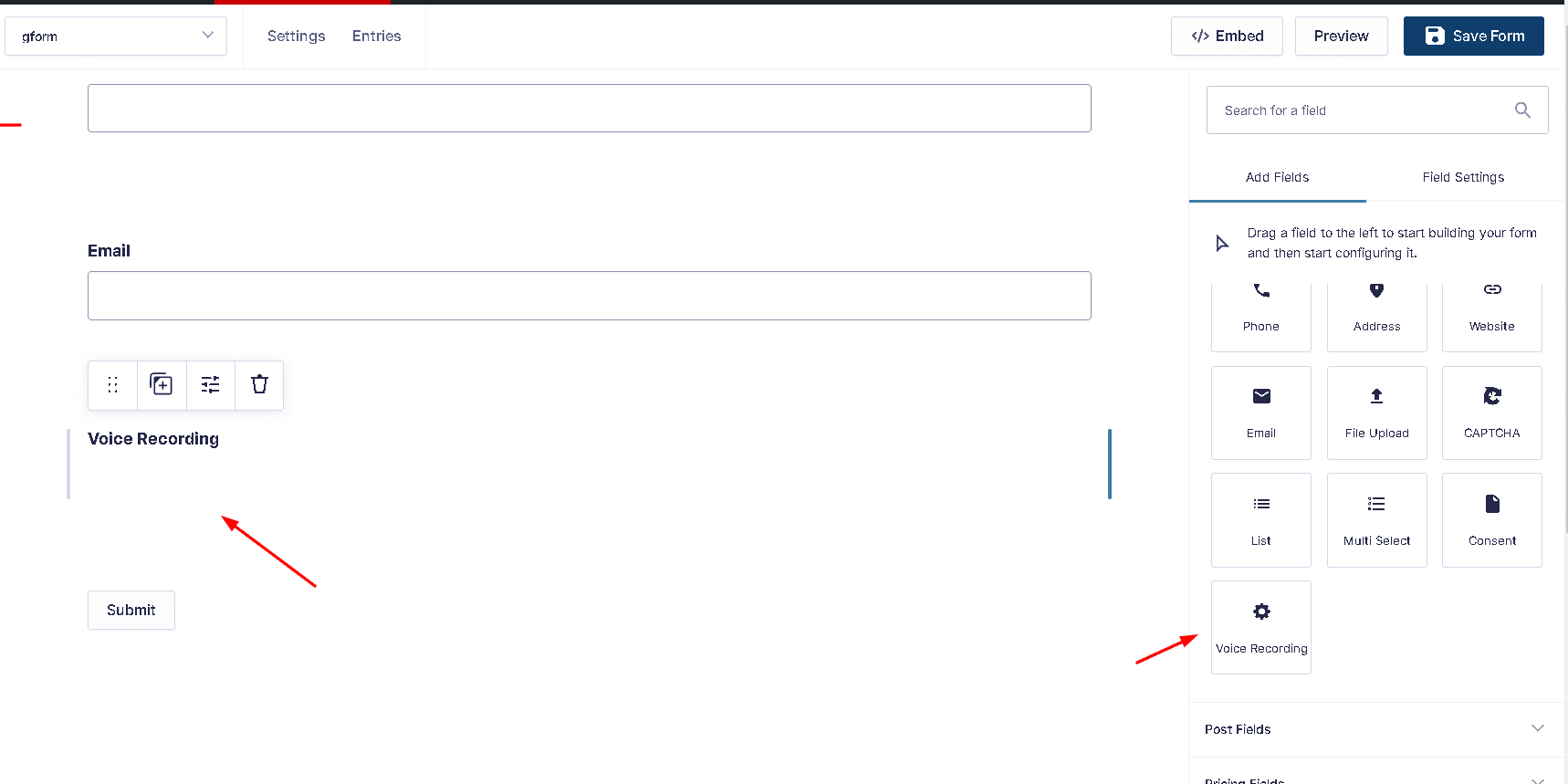
Voice Record with Gravity Forms
Voice Record with Formidable Forms
Voice Record with Fluent Forms
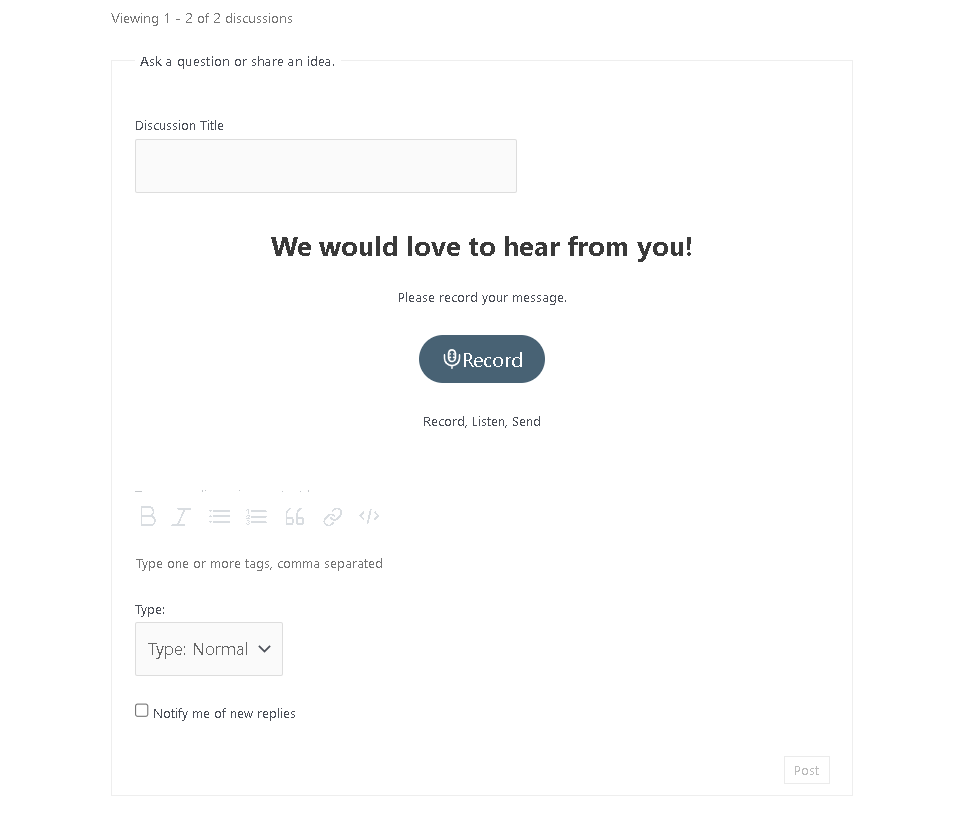
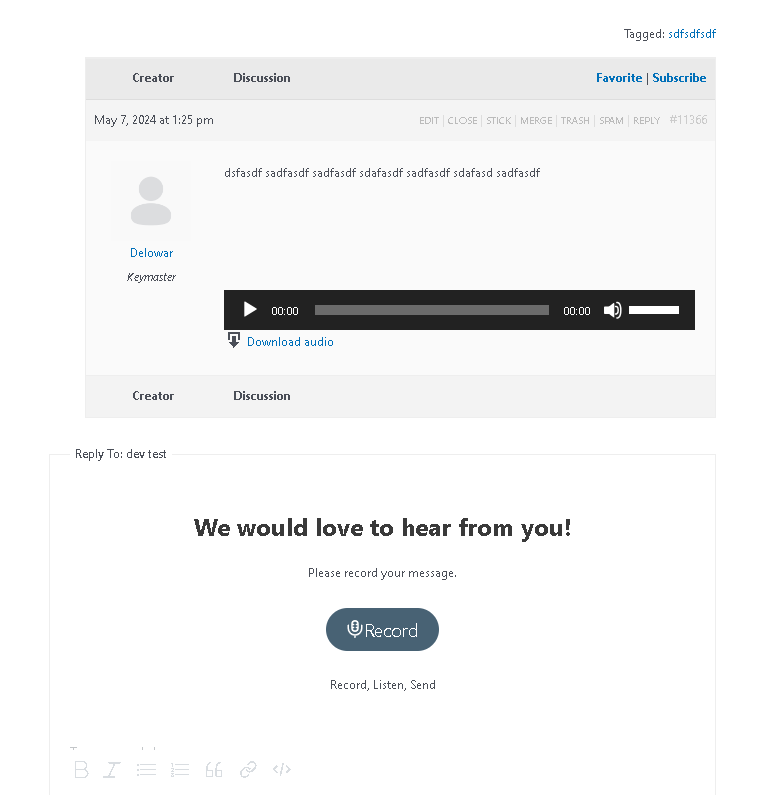
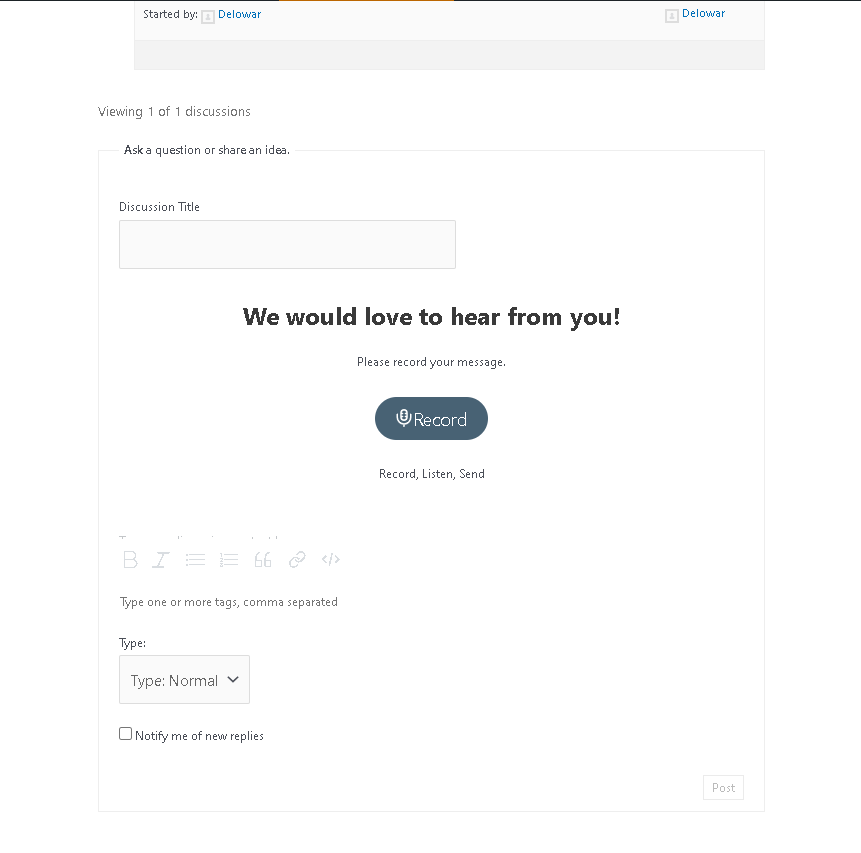
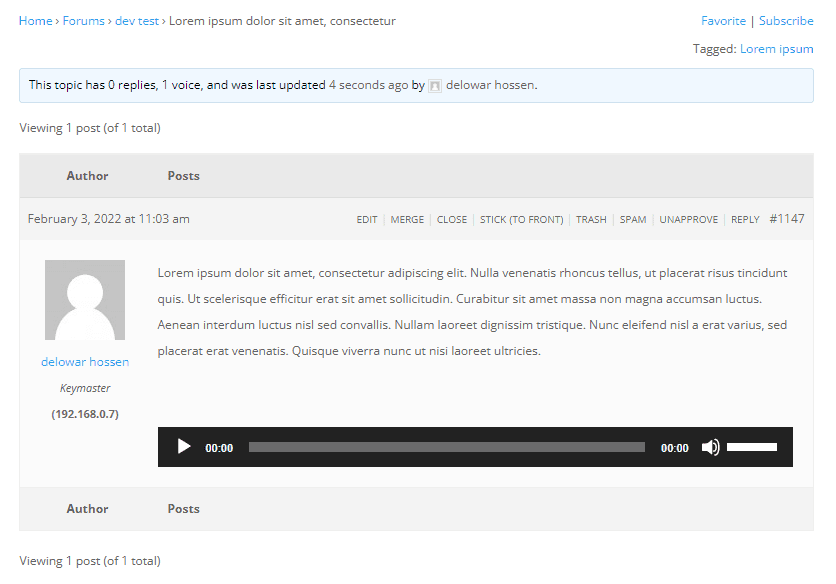
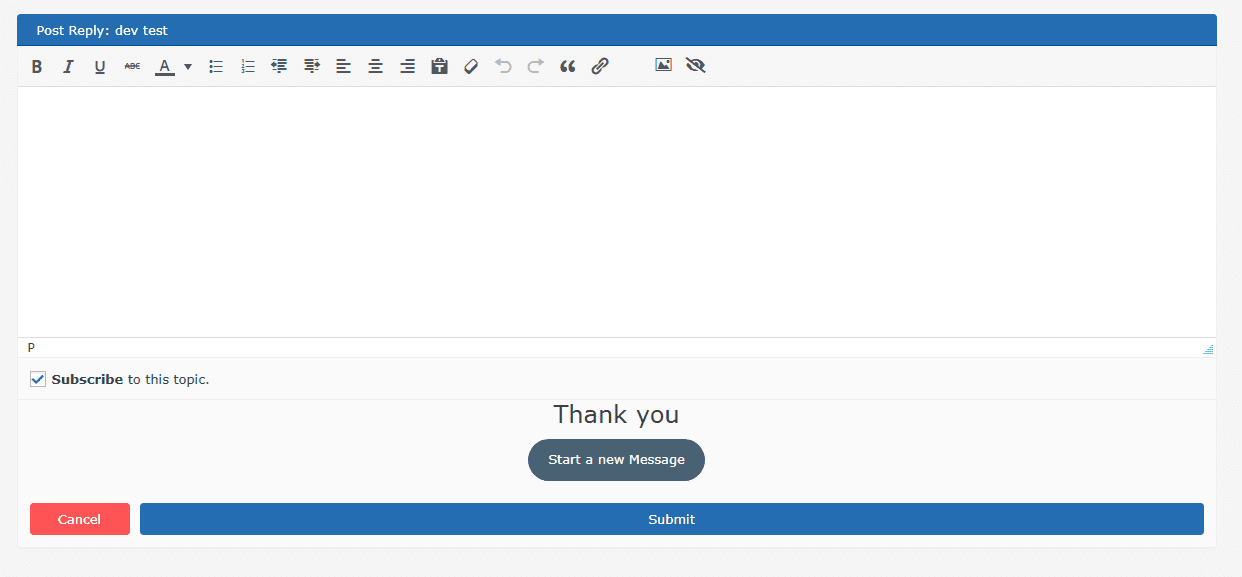
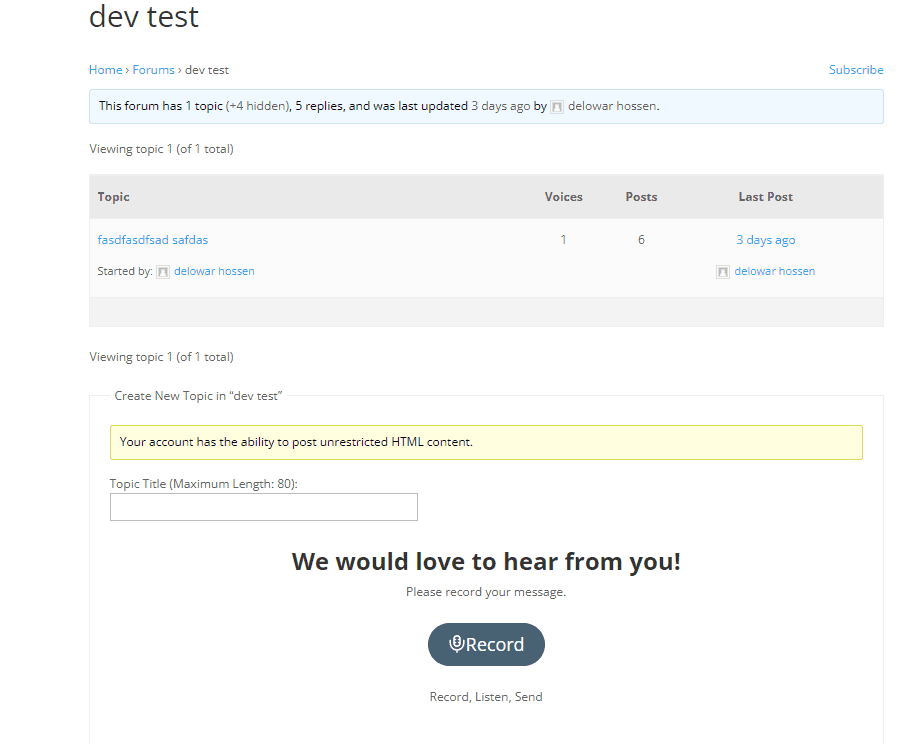
Voice Record with BBPress forum (replies and new topics)
Voice Record withBuddyBoss (replies and new topics)
Voice Record withAsgaros Forum (replies and new topics)
Supports CF7 to Zapier
Multiple Voice Message Fields support for CF7
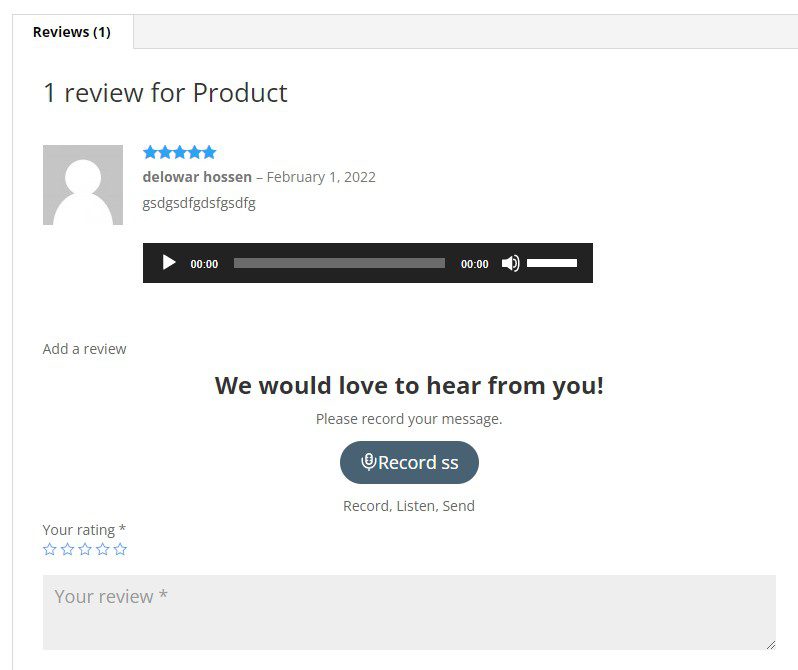
Voice Record with WooCommerce Product Reviews
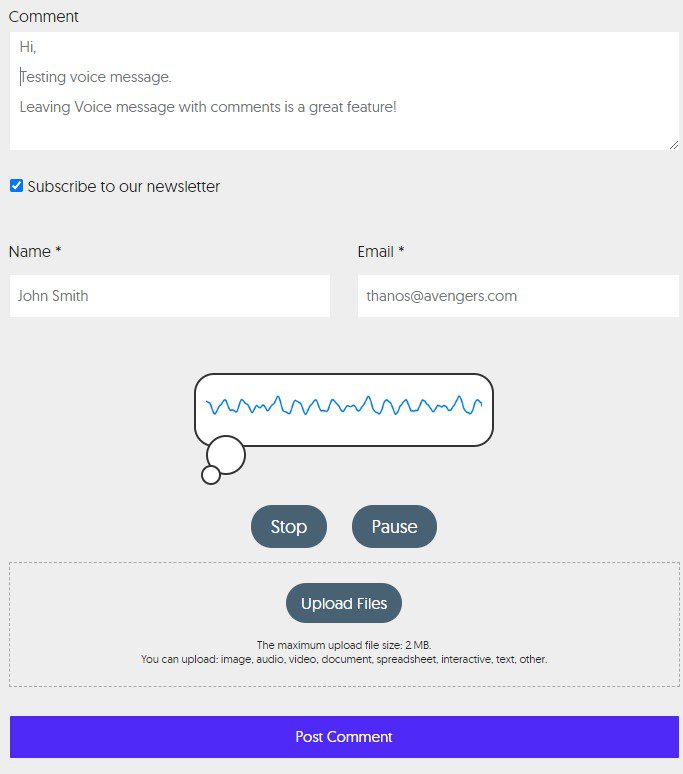
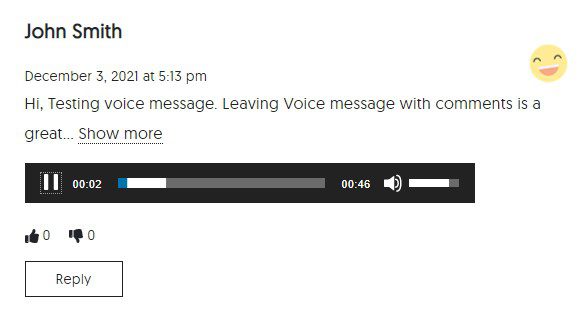
Voice Record with WordPress’ default (blog) Comment System
Recorded voice message link sent by email (for forms)
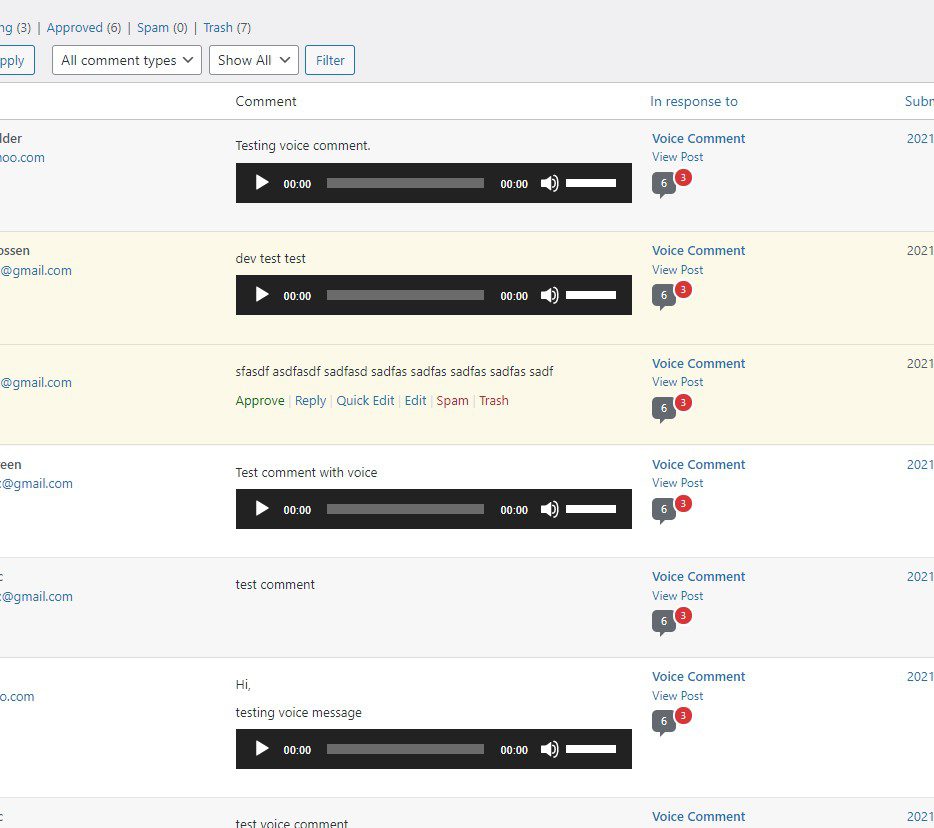
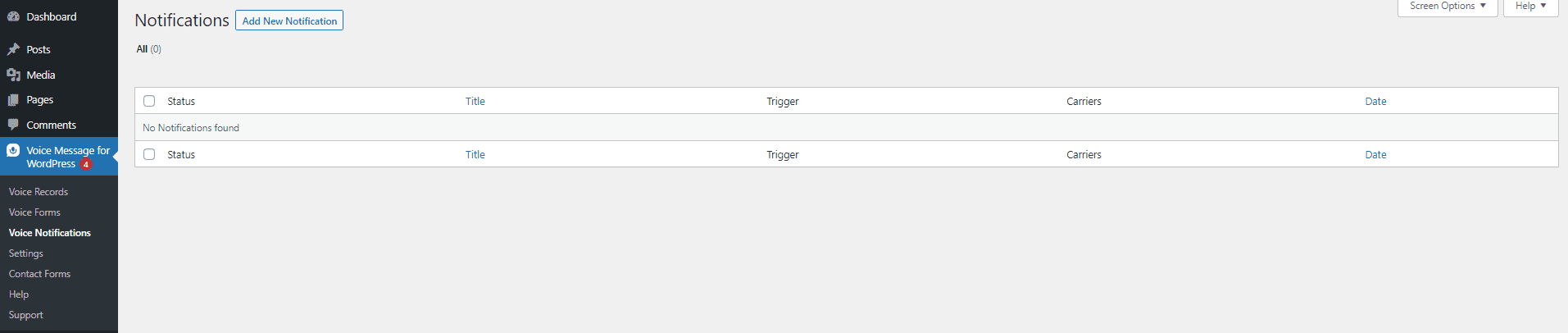
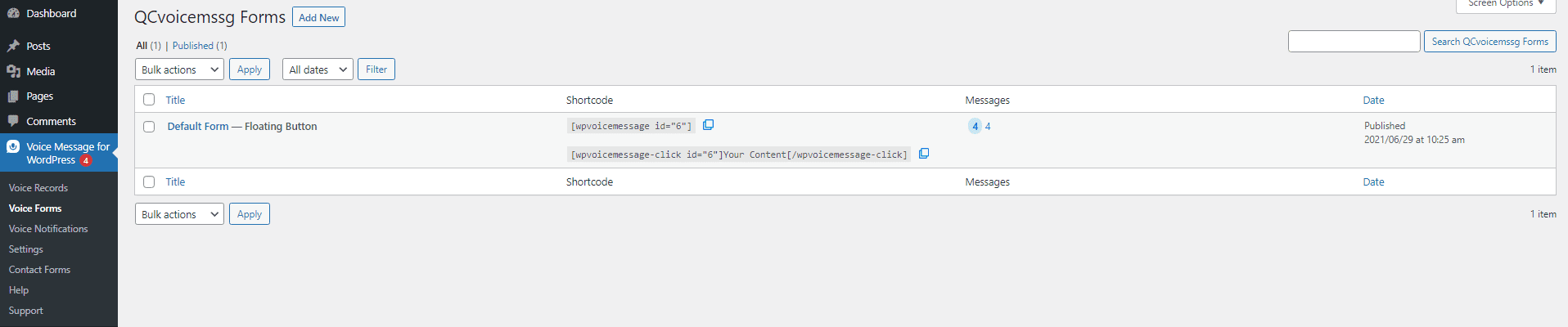
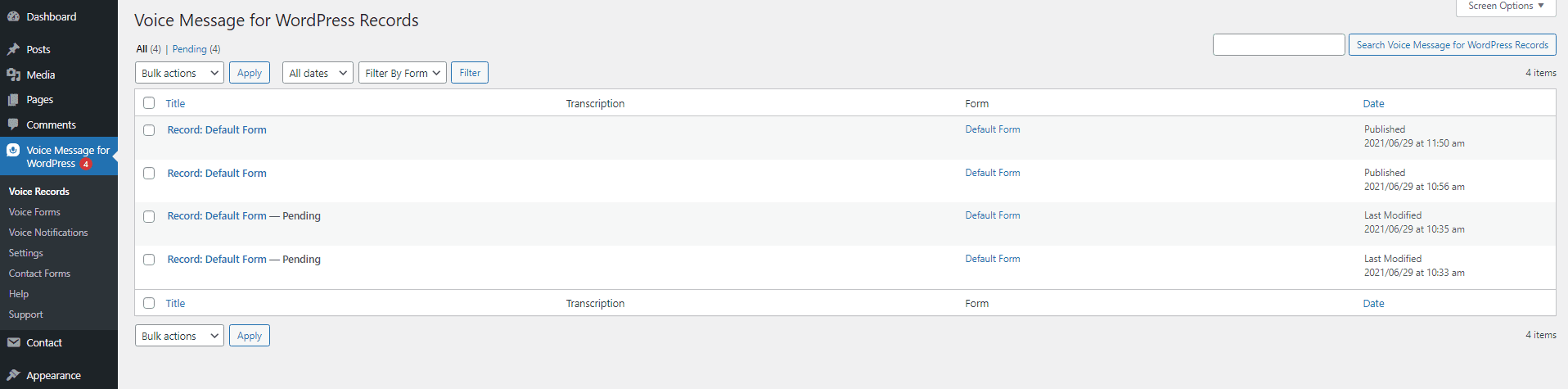
Voice message records in the backend
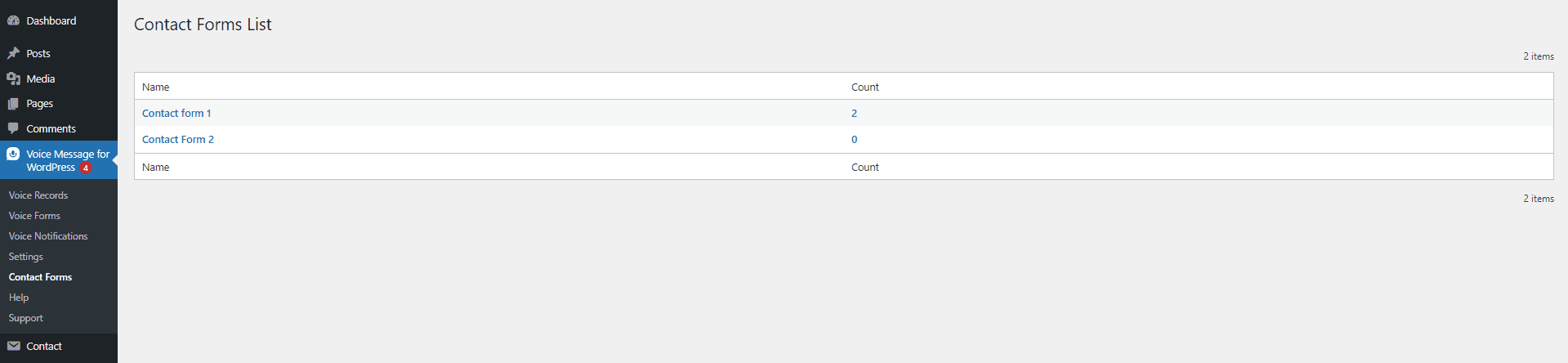
CF7 form submissions saved in the database
CF7 form submissions with voice message view in the backend in one place
Set voice record as required field
MP3 supported
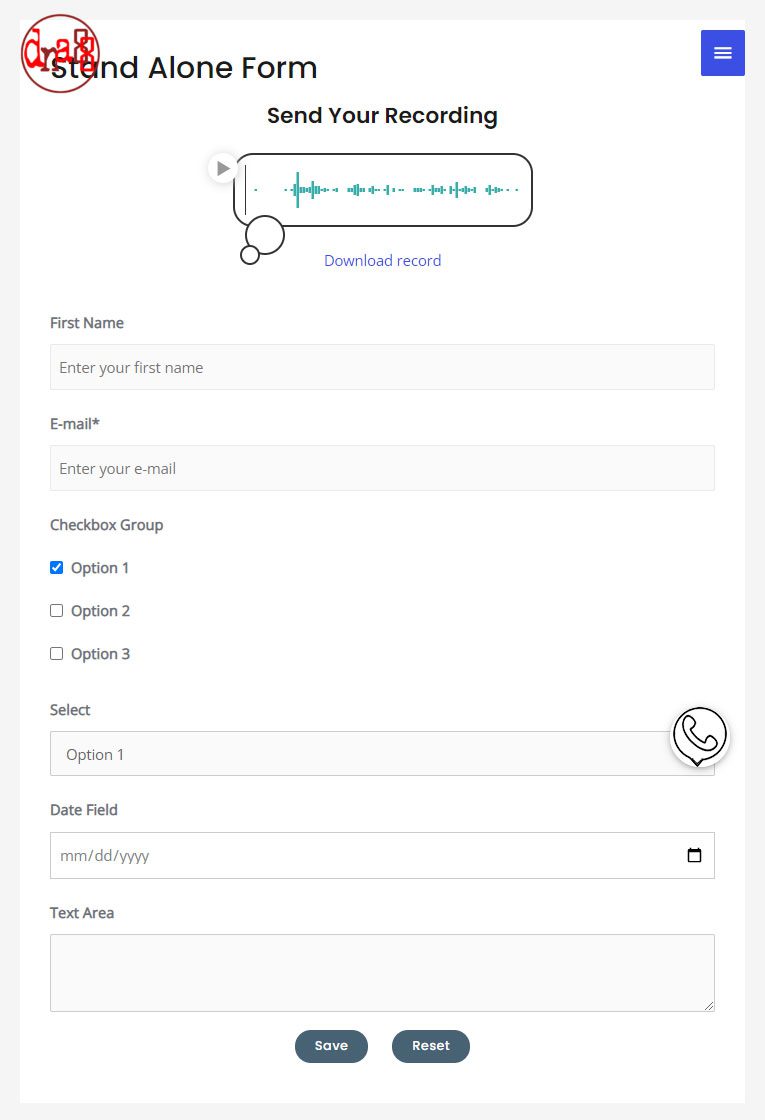
Stand Alone Voice Message Forms
Embed voice message form on any page without Contact Form 7
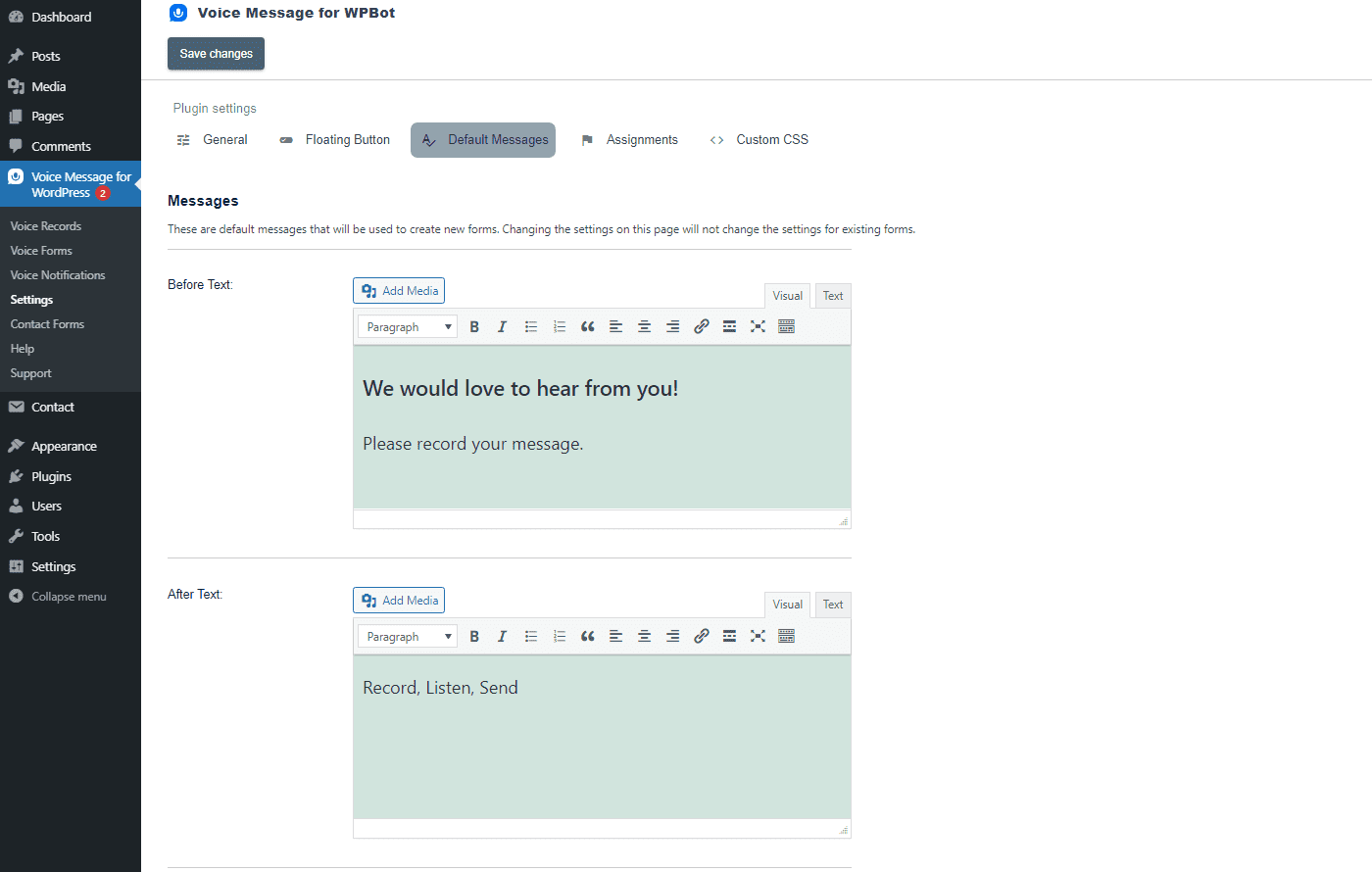
Show an additional text Form after voice message for standalone voice forms
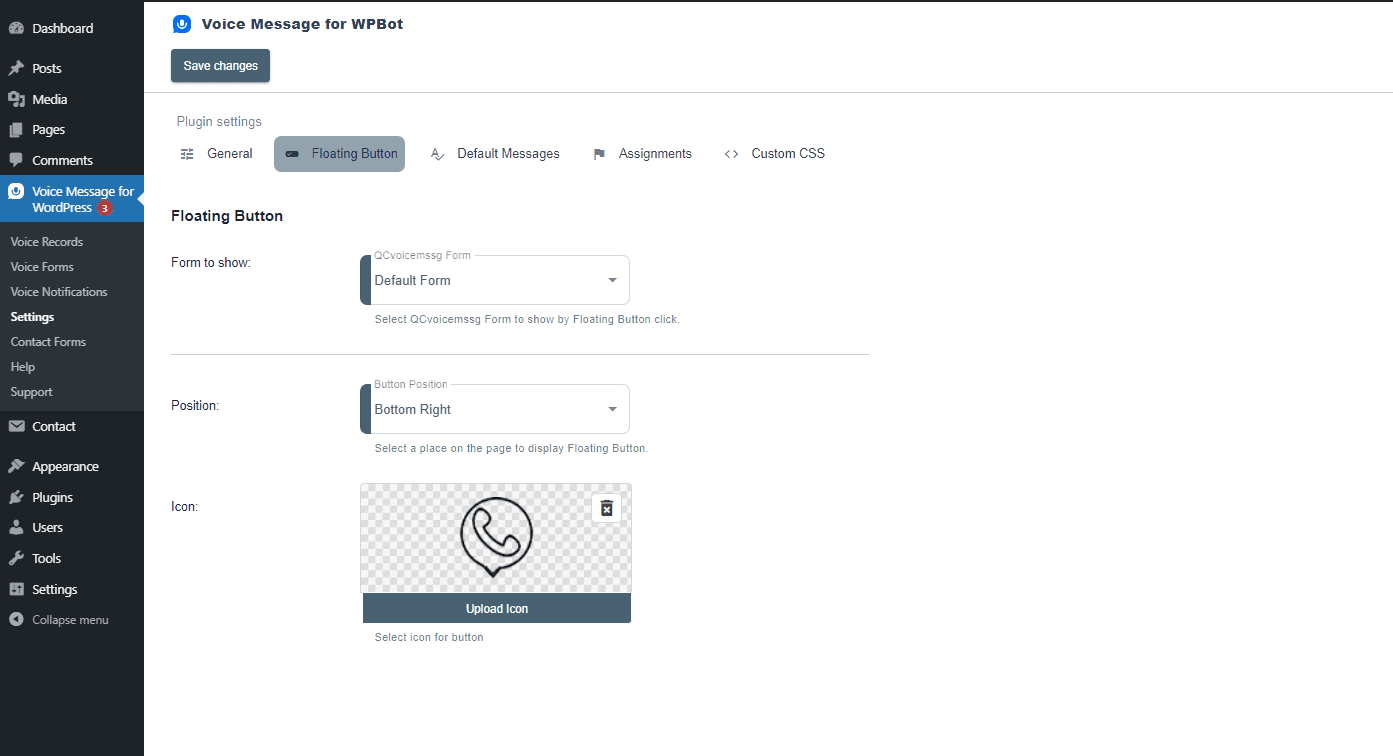
Voice message Floating Icon. Send voice message from any page
Play voice message with Comments in an Audio player
Voice Widgets
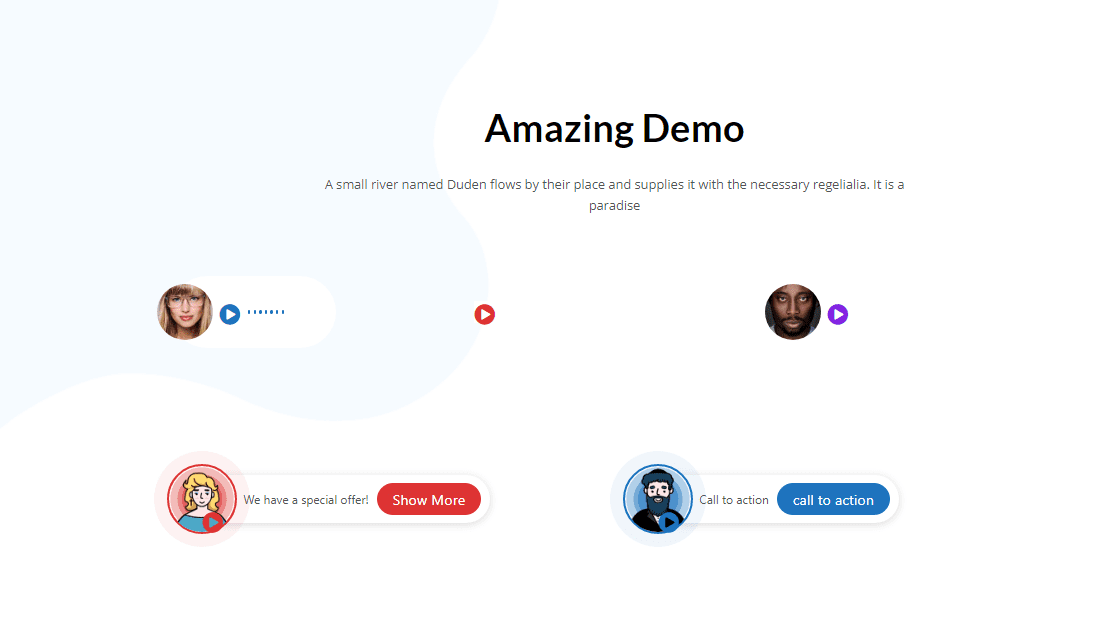
Use Voice widgets to increase your conversions and sales
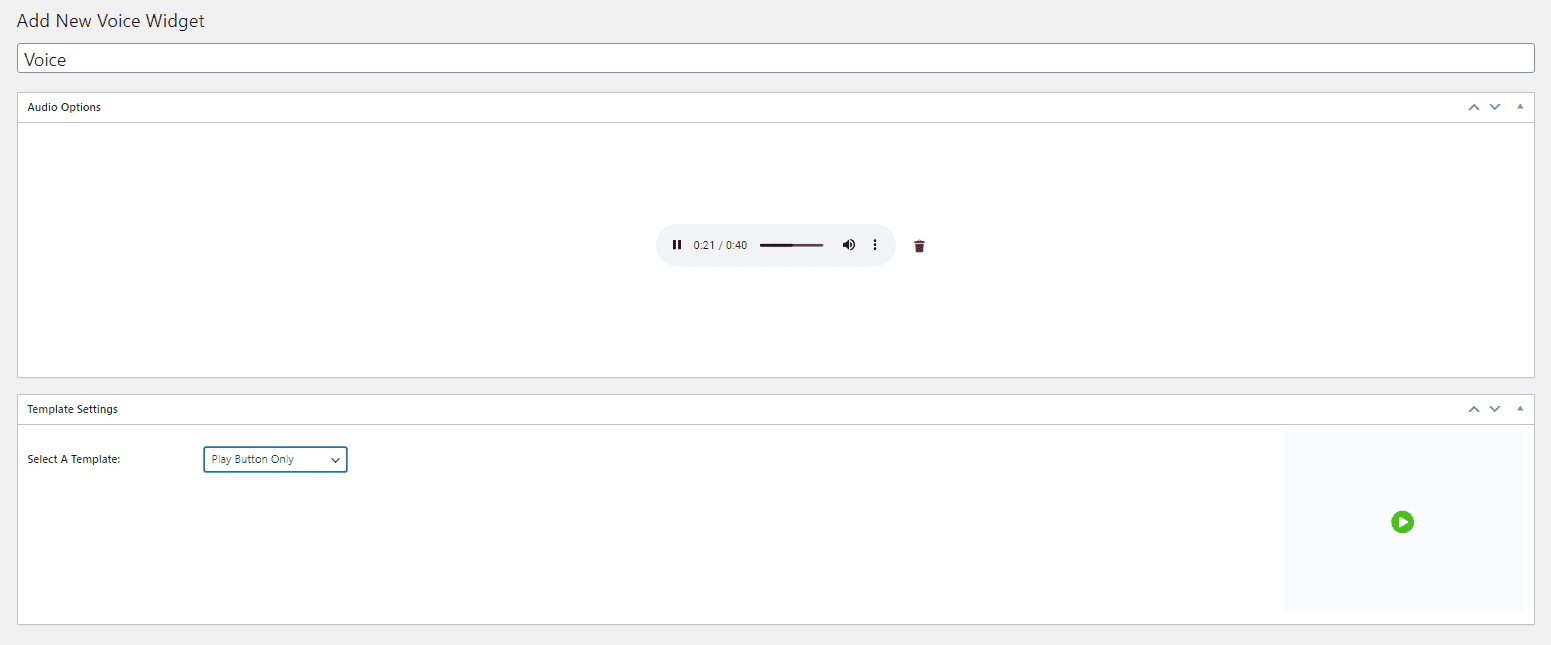
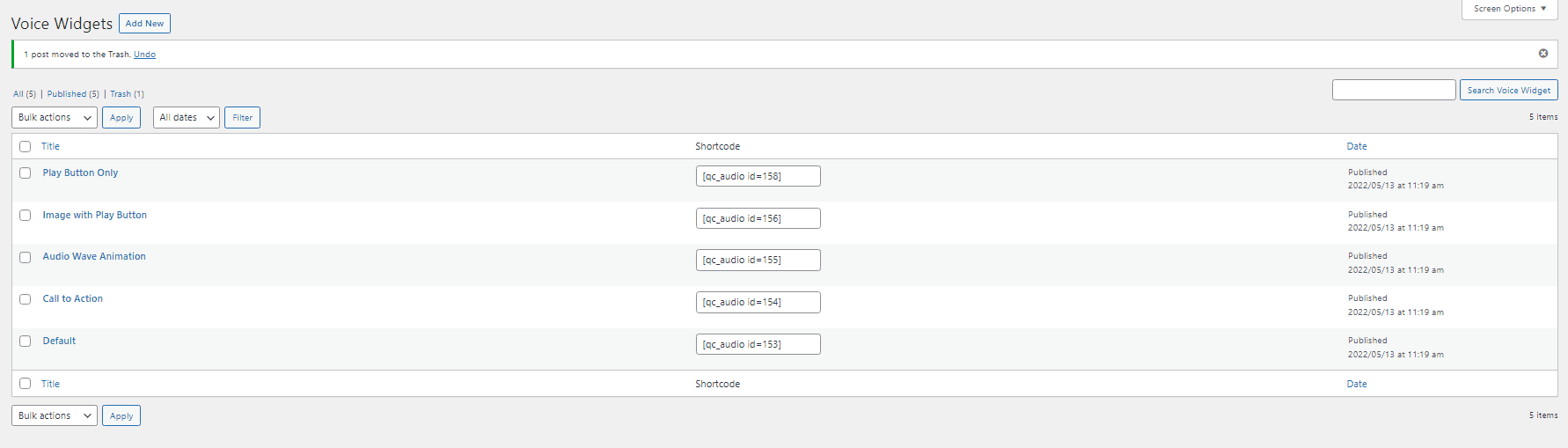
Select from 5 different design templates
Call to Action button with voice widget with button link
Upload audio file (record and edit outside)
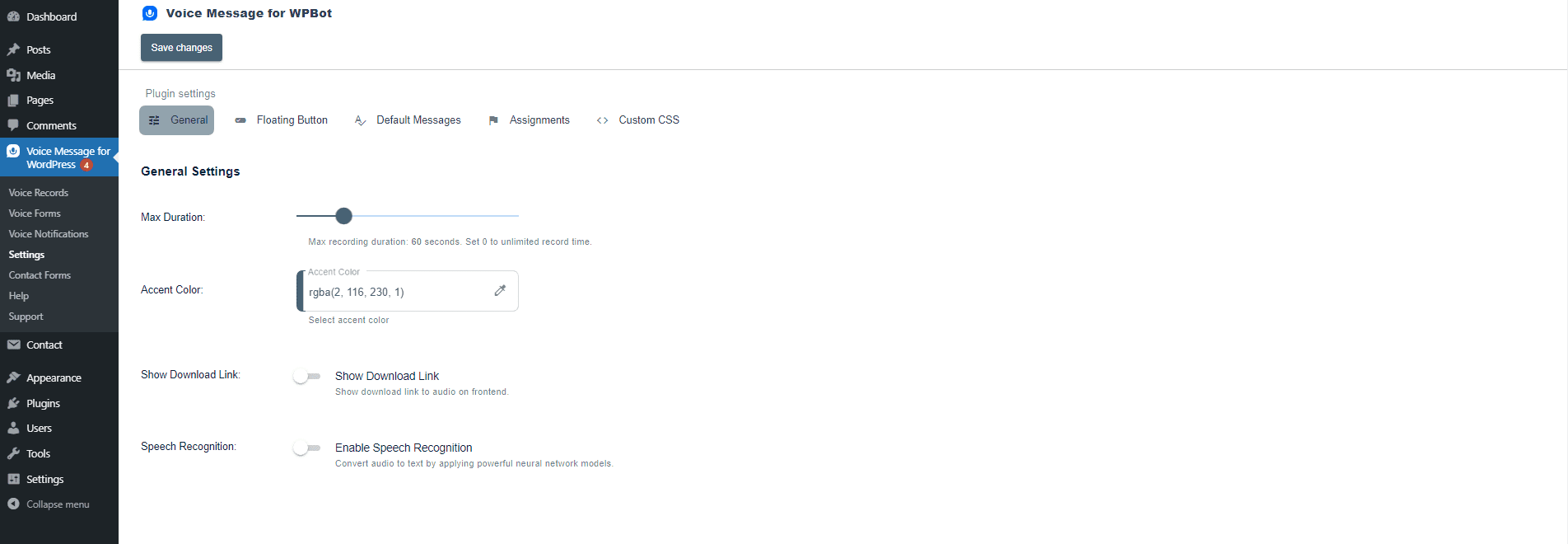
Customize color
Create unlimited number of voice widgets
Unlimited audio length
Text to Speech
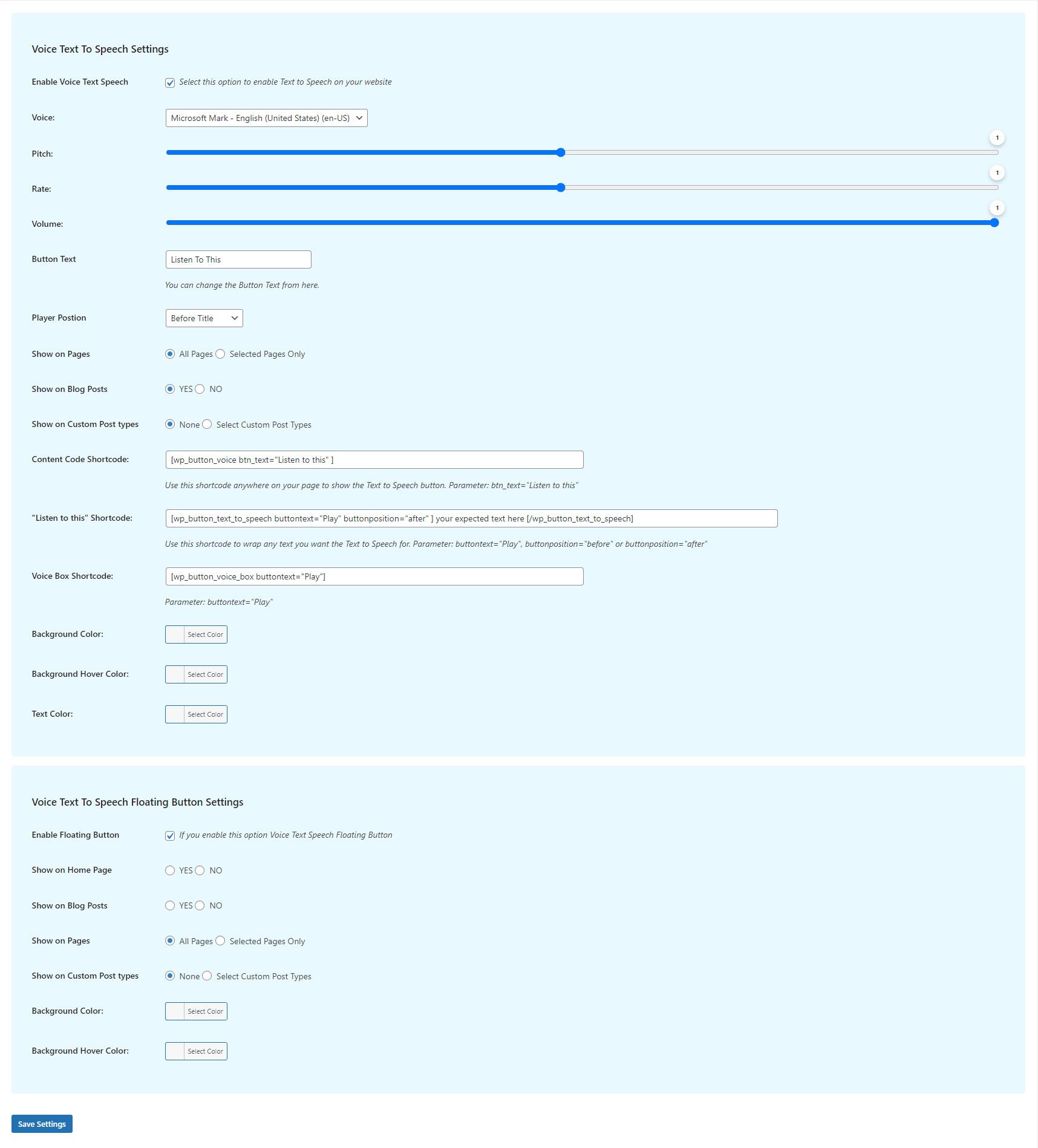
Let Voice Widgets read the contents of your website to your users.
Enable the Text to Speech button on your website pages and posts in one click
There is no limit to how many pages and posts you can enable the TTS for
Choose from 20+ voices and change the language. Following Text to Speech languages are supported: Chrome Desktop: UK English, US English, Spanish (Spain), Spanish (United States), French, Deutsch, Italian, Russian, Dutch, Japanese, Korean, Chinese (China), Chinese (Hong Kong), Chinese (Taiwan), Hindi, Indonesian, Polish, Brazilian Portuguese. Chrome Mobile: English USA, English UK, German, Italian, Russian, French, Spanish. Microsoft Edge Desktop: All Languages. Microsoft Edge Mobile: All Languages. Firefox Desktop: English US, English UK. Firefox Mobile: English USA, English UK, German, Italian, Russian, French, Spanish.
Compatible with Elementor pag builder
Supports Custom Post Types
Floating Listen to this (content) button
Transcribe Audios, Voice Transcriptions
AI Powered by OpenAI Whisper
Upload MP3, WAV, M4A, AAC, OGG, MP4 files and get AI powered transcriptions
Transcriptions from any public YouTube Video
Transcriptions from any public Vimeo Video
Directly record your voice with a microphone and get transcriptions
Rewrite Audio Transcriptions with AI and create Blog posts automatically
Shortcode to show Transcription features in the front end
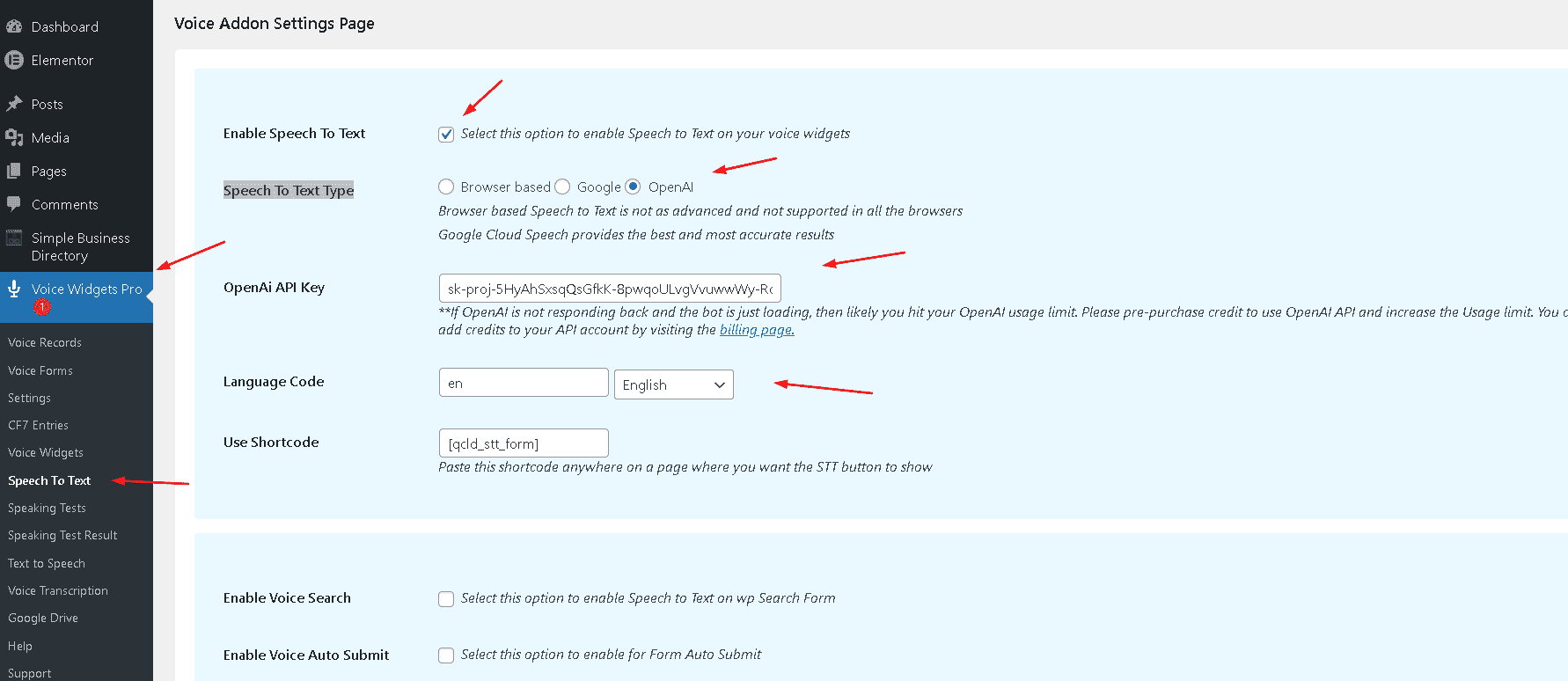
Speech to Text
Browser based Speech to Text or Google cloud speech to convert any spoken words to text
Add Speech to Text feature for any Form Field. Helpful for quicker long Text insertion by Voice Dictation
Add Speech to Text feature for Woocommerce Product Review, Blog Comments etc.
Supports selecting Different Language other than default for Dictation. All Major languages are supported
Language Learning Mode
The Speech to Text Language Learning mode is useful to learn a new language. It allows a new language learner to speak words or sentences and have the Google Cloud Speech or OpenAI Whisper AI try to recognize the words. The learner can immediately play back the spoken words to try and understand what went wrong if the words cannot be recognized by the AI.
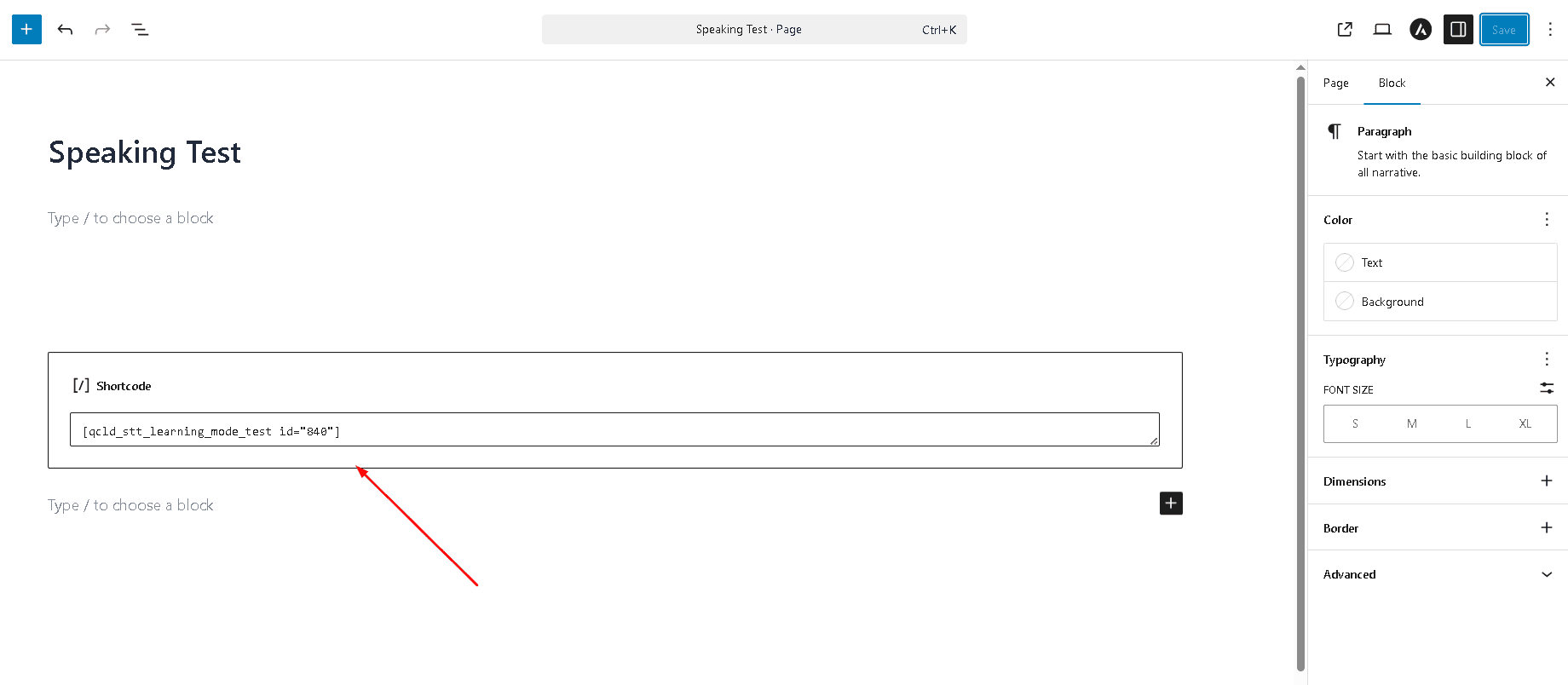
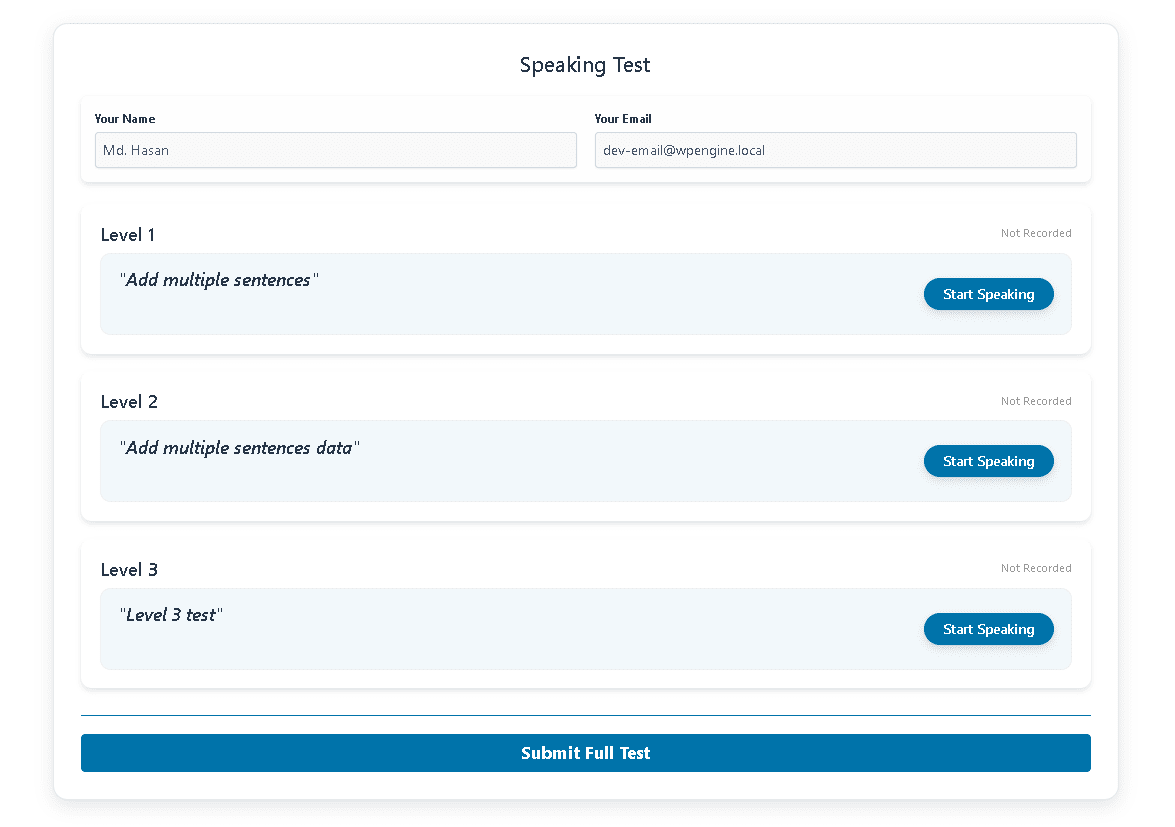
Create unlimited Language learning, speaking tests with multiple Words and Sentences. Show the tests in the front end using shortcodes. Language Students can record their voice speaking the words that the teacher can grade
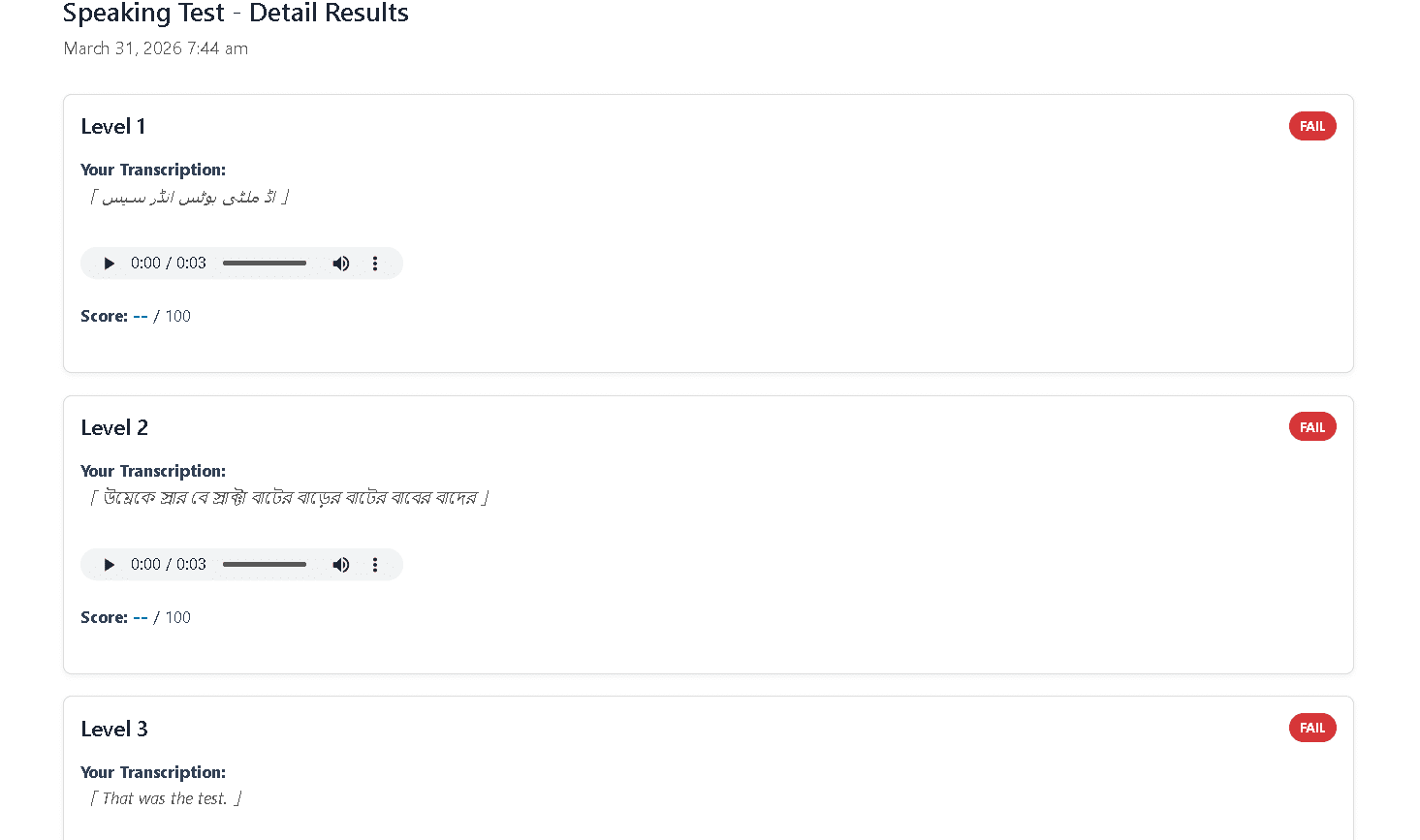
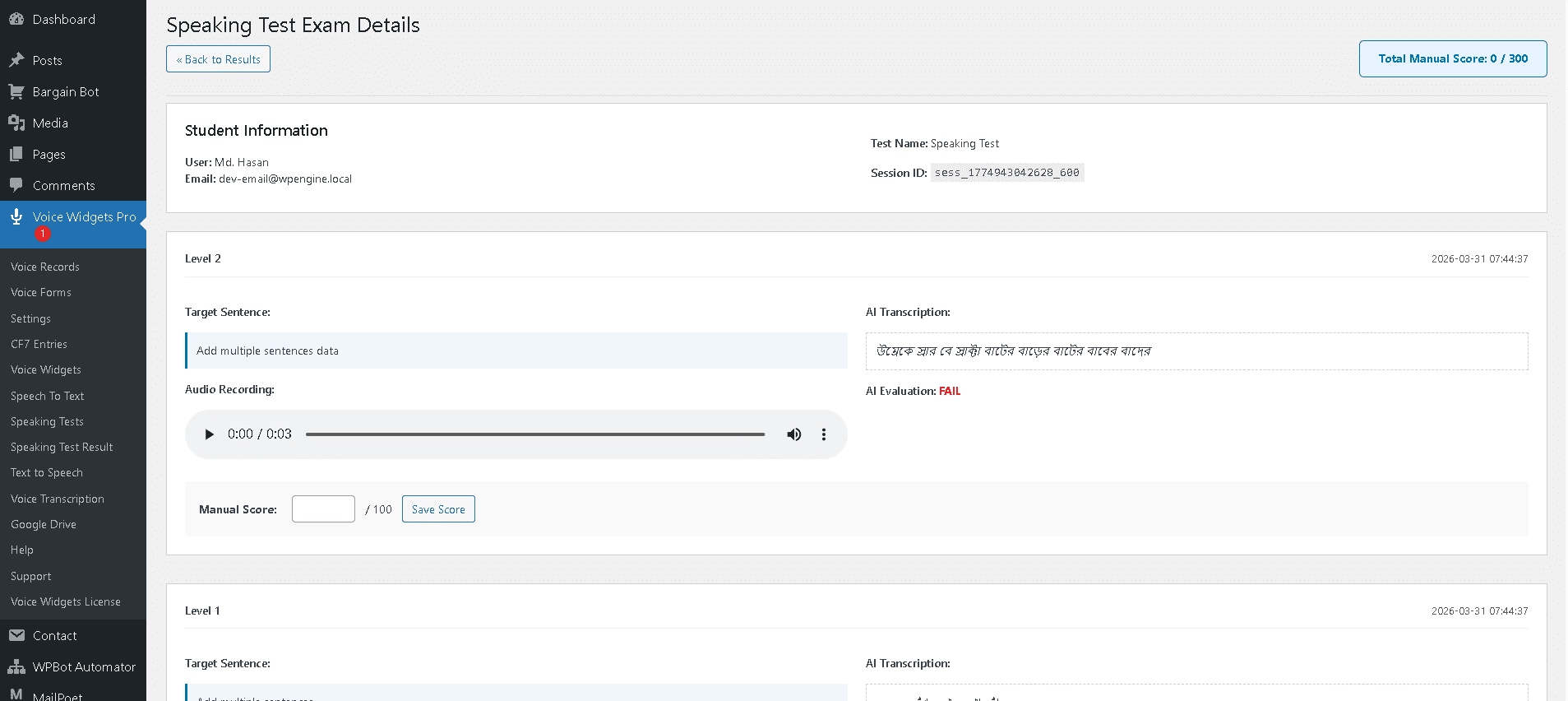
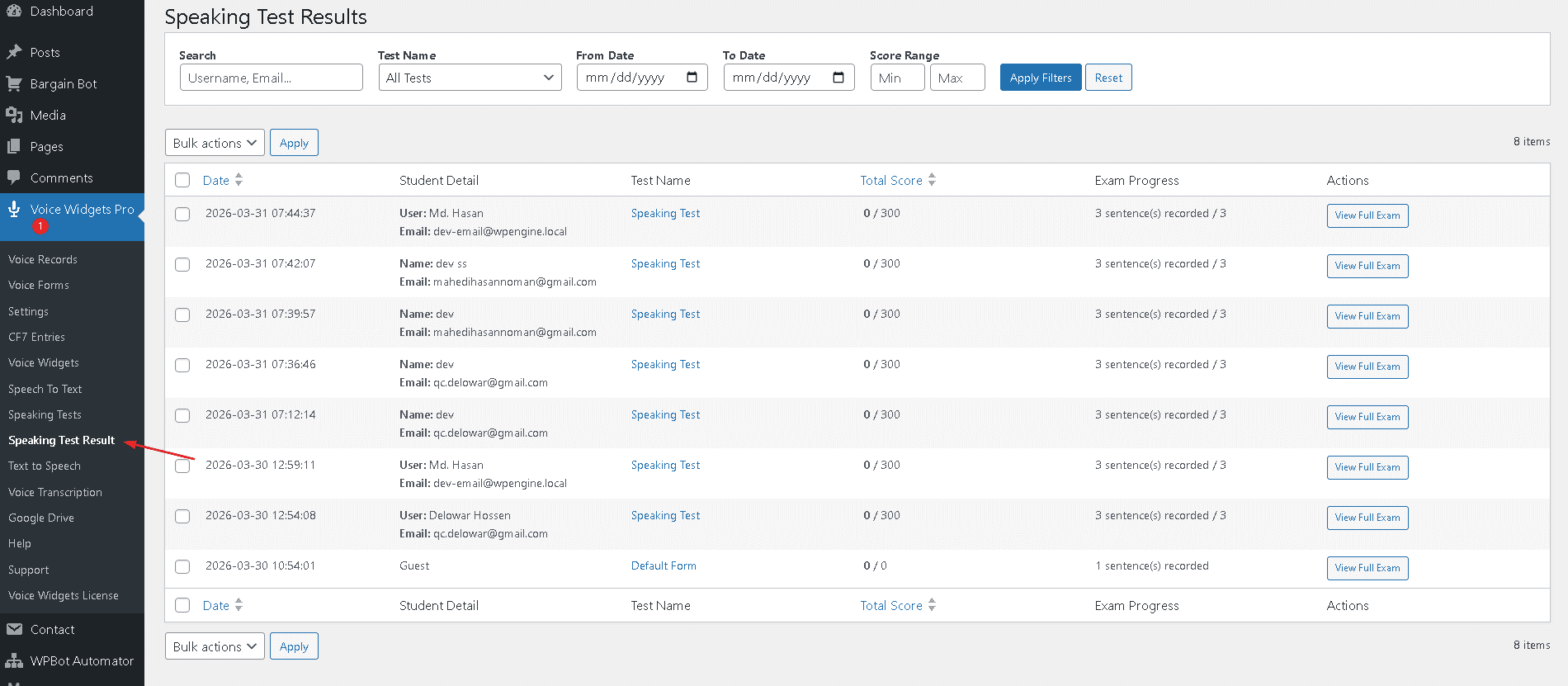
View speaking test results on the WordPress dashboard and score each voice recording
Manual grading of student voice records
Automatic AI Evaluation but works without AI
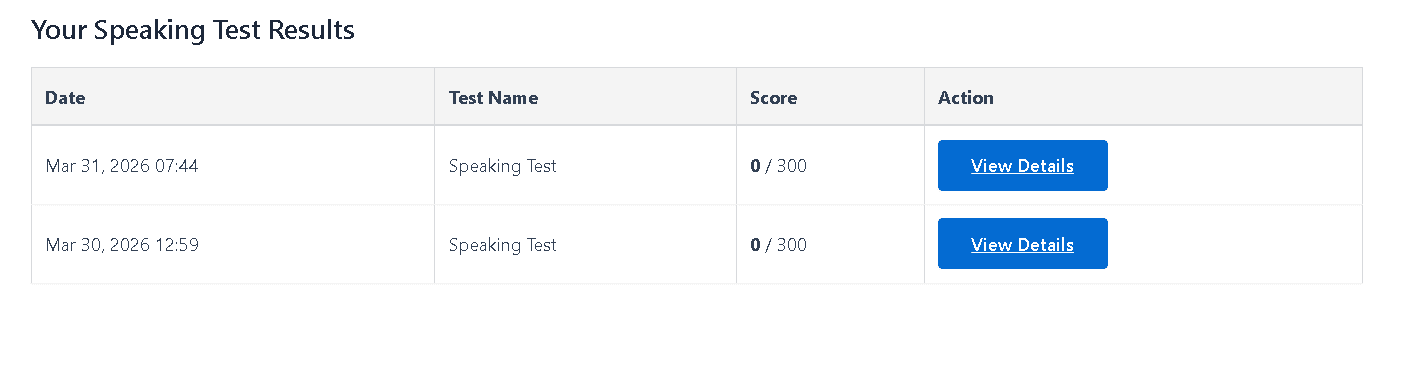
Shortcode for the front end for logged-in students to view results
Advanced Spoken Language Test features:
1. Content & Asset Management
Original Audio & TTS Integration: Teachers can now upload their own “Reference” audio clips or use integrated Text-to-Speech (TTS) to generate high-quality pronunciation models for any text.
CSV Bulk Upload: Support for uploading up to 100 words/phrases simultaneously via CSV to eliminate manual entry.
AI Word-List Generator: Teachers input a topic (e.g., “Business Meeting”); the system uses OpenAI to generate 10 relevant phrases with phonetic spellings.
Difficulty Scaling: One-click generation of “Beginner,” “Intermediate,” and “Advanced” versions of tests based on phonetic complexity and word length.
2. Advanced Audio-Visual Feedback Tools
Rich Feedback Dashboard: Teachers can provide multi-modal feedback beyond numeric scores:
Voice Annotations: Record “Correction Clips” that appear next to the student’s attempt.
Text Notes: Add short context or tips next to specific test words.
Timestamps & Waveform Highlighting: Interactive waveforms where teachers can click specific segments to leave targeted notes (e.g., “Extra vowel sound here”).
Dual Waveform Visualizer: Utilizes to display the teacher’s reference waveform on top and the student’s below. Students can visually track rhythm, stress, and volume “peaks.”
3. Student Practice & Assessment Modes
Listen & Repeat: A guided mode where the student must listen to the teacher’s reference clip before the record button is enabled.
“Shadowing” Visualizer: A real-time visual interface for the shadowing technique, where students repeat audio immediately as they hear it.
Exam Mode (Anti-Cheat): A “One-Shot” recording setting that locks the widget after a single attempt, specifically designed for mid-terms and finals.
Randomized “Live” Tests: Pulls number of random words from a larger “Question Bank” (e.g., 10 words from 50) to prevent memorization of word order.
4. AI & Automation
AI-Powered Contextual Roleplay: Moves beyond static words into scenarios (e.g., Waiter vs. Customer). OpenAI analyzes both pronunciation accuracy and social appropriateness (e.g., using “May I” instead of “I want”).
Automated Spaced Repetition (SRS):
Review Queue: Low-accuracy (“Red”) words are automatically added to a “Daily Review” for 3 days.
Mastery Score: Words are marked “Completed” only after scoring 90%+ on three separate days.
5. Teacher Efficiency & Reporting
Priority Grading Inbox:
AI-Flagged for Review: Smart filters highlight recordings with scores below 60% or those with more than 5 attempts.
Bulk Actions: A rapid-fire interface to listen to 2-second clips and “Pass/Fail” with a single click.
Automated Reporting:
Weekly Summaries: Automated emails to parents or students containing average accuracy scores and a link to their “Best Recording” of the week.
We use cookies on our website to give you the most relevant experience by remembering your preferences and repeat visits. By clicking “Accept All”, you consent to the use of ALL the cookies. However, you may visit "Cookie Settings" to provide a controlled consent.
This website uses cookies to improve your experience while you navigate through the website. Out of these, the cookies that are categorized as necessary are stored on your browser as they are essential for the working of basic functionalities of the website. We also use third-party cookies that help us analyze and understand how you use this website. These cookies will be stored in your browser only with your consent. You also have the option to opt-out of these cookies. But opting out of some of these cookies may affect your browsing experience.
Necessary cookies are absolutely essential for the website to function properly. These cookies ensure basic functionalities and security features of the website, anonymously.
Cookie
Duration
Description
cookielawinfo-checkbox-analytics
11 months
This cookie is set by GDPR Cookie Consent plugin. The cookie is used to store the user consent for the cookies in the category "Analytics".
cookielawinfo-checkbox-functional
11 months
The cookie is set by GDPR cookie consent to record the user consent for the cookies in the category "Functional".
cookielawinfo-checkbox-necessary
11 months
This cookie is set by GDPR Cookie Consent plugin. The cookies is used to store the user consent for the cookies in the category "Necessary".
cookielawinfo-checkbox-others
11 months
This cookie is set by GDPR Cookie Consent plugin. The cookie is used to store the user consent for the cookies in the category "Other.
cookielawinfo-checkbox-performance
11 months
This cookie is set by GDPR Cookie Consent plugin. The cookie is used to store the user consent for the cookies in the category "Performance".
viewed_cookie_policy
11 months
The cookie is set by the GDPR Cookie Consent plugin and is used to store whether or not user has consented to the use of cookies. It does not store any personal data.
Functional cookies help to perform certain functionalities like sharing the content of the website on social media platforms, collect feedbacks, and other third-party features.
Performance cookies are used to understand and analyze the key performance indexes of the website which helps in delivering a better user experience for the visitors.
Analytical cookies are used to understand how visitors interact with the website. These cookies help provide information on metrics the number of visitors, bounce rate, traffic source, etc.
Advertisement cookies are used to provide visitors with relevant ads and marketing campaigns. These cookies track visitors across websites and collect information to provide customized ads.