We are the WordPress Gurus
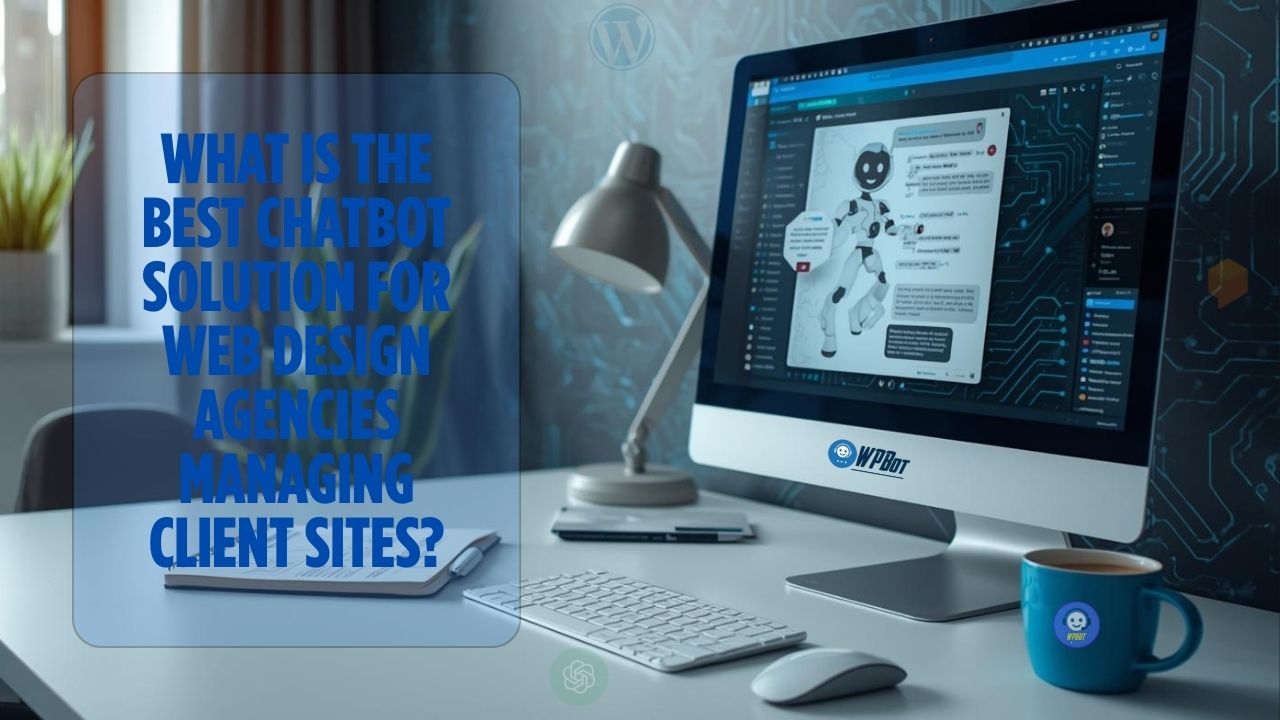
What Is the Best Chatbot Solution for Web Design Agencies Managing Client Sites?

The best chatbot solution for web design agencies is one that is easy to deploy on multiple client sites, works natively with WordPress, reduces client support workload, and adds ongoing value after launch.
For most agencies, the ideal chatbot is flexible, white-label friendly, cost-effective, and simple enough for non-technical clients to manage—without breaking performance or design.
This article explains what web design agencies really need from a chatbot, how different solutions compare, and how to choose the right one for long-term success.
Why Web Design Agencies Are Under Pressure to Offer Chatbots
Let’s talk reality.
Clients don’t just want websites anymore.
They want:
- Leads
- Engagement
- Support automation
- Better conversions
- Less manual work
And they want it now.
Once a site goes live, clients start asking:
- “Why aren’t visitors contacting us?”
- “Can we automate support?”
- “How do we capture leads 24/7?”
- “Can we add AI?”
Chatbots have become a standard expectation, not a luxury.
For agencies, this creates both a challenge and an opportunity.
Why Agencies Can’t Ignore Chatbots Anymore
If you don’t offer chatbot solutions:
- Clients will ask for them anyway
- They’ll install random tools themselves
- You’ll end up supporting tools you didn’t choose
- You lose control over UX and performance
Smart agencies lead the decision, not react to it.
What Is a Chatbot for Client Websites?
A chatbot is a conversational interface that helps website visitors:
- Ask questions
- Find information
- Get support
- Submit leads
- Take action
For agencies, a chatbot must do more than chat.
It must:
- Work across many client sites
- Be easy to configure
- Stay stable long-term
- Fit different industries
- Not increase support burden
That’s the real challenge.
What Web Design Agencies Actually Need from a Chatbot
This is where most comparisons fail.
Agencies don’t think like solo site owners.
They manage:
- Multiple sites
- Multiple clients
- Multiple use cases
- Different skill levels
So let’s be specific.
Must-Have Requirements for Agencies
Easy Deployment Across Client Sites
Agencies don’t want to:
- Rebuild chatbot flows every time
- Learn new dashboards for each client
- Maintain separate SaaS logins
The best chatbot solutions:
- Install quickly
- Reuse configurations
- Scale across projects
WordPress-Native Integration
Most agency clients use WordPress.
A WordPress-native chatbot:
- Integrates better
- Loads faster
- Is easier to manage
- Reduces conflicts
This is a big deal.
Customizable Without Heavy Coding
Agencies need control—but not complexity.
You should be able to:
- Customize design
- Adjust tone
- Change behavior
- Add FAQs easily
Without writing code every time.
Client-Friendly Management
After handover, clients should be able to:
- Update FAQs
- Change answers
- View conversations
- Manage settings
If clients can’t manage it, support tickets increase.
White-Label or Agency-Friendly Branding
Agencies want:
- Their brand front and center
- Minimal third-party branding
- Control over presentation
This helps with retainers and upsells.
Performance & UX Safety
Chatbots should:
- Load fast
- Not break layouts
- Work with themes and builders
- Avoid hurting Core Web Vitals
Performance matters.
Types of Chatbot Solutions Agencies Can Choose From
Not all chatbots are equal.
Let’s break them down.
SaaS Chatbot Platforms
Examples:
- Third-party hosted chatbots
- Monthly per-site pricing
- External dashboards
Pros
- Fast to start
- AI-powered
- Feature-rich
Cons
- Expensive at scale
- Separate dashboards
- Harder to white-label
- Client dependency on external SaaS
Good for individuals.
Not ideal for agencies managing many sites.
Live Chat Tools
Examples:
- Human-based chat widgets
- Support-focused tools
Pros
- Human interaction
- Good for high-touch businesses
Cons
- Requires staff
- Not scalable
- Limited automation
- Not 24/7
Live chat increases workload—agencies try to reduce it.
WordPress-Based Chatbot Plugins (Best Fit for Agencies)
This is where agencies usually win.
Why WordPress Chatbot Plugins Make Sense
They:
- Live inside the site
- Use WordPress data
- Work with existing content
- Are easier to maintain
- Reduce third-party reliance
For agencies, this is usually the best balance.
What Is WPBot?
 WPBot is an AI-powered chatbot plugin built specifically for WordPress.
It’s designed to:
- Work natively with WordPress
- Integrate with WooCommerce
- Use site content, FAQs, and data
- Offer automation without heavy setup
For agencies, this matters a lot.
Why WPBot Fits Web Design Agencies So Well
Let’s talk practical benefits.
One Plugin, Many Client Sites
WPBot allows agencies to:
- Use the same core tool
- Customize per client
- Maintain consistency
- Reduce learning curves
That saves time—and sanity.
Content-Driven Chatbot Logic
WPBot can use:
- Pages
- Posts
- FAQs
- Knowledge base content
This means:
- Less manual training
- More accurate answers
- Faster deployment
Agencies already create content. WPBot uses it.
WooCommerce Support for Client Stores
Many agency clients run WooCommerce.
WPBot supports:
- Product search
- Cart assistance
- Order questions
- Checkout guidance
That’s a strong upsell for eCommerce clients.
Client-Friendly Dashboard
Clients can:
- Manage FAQs
- Adjust chatbot behavior
- View conversations
Without touching code.
This reduces agency support load after launch.
Performance-Safe Design
WPBot:
- Runs inside WordPress
- Avoids heavy external scripts
- Works with most themes and builders
Agencies don’t want performance surprises.
Common Agency Use Cases for Chatbots
Use Case 1: Lead Generation Sites
Chatbots help:
- Ask qualifying questions
- Capture contact info
- Route leads properly
Better leads. Less spam.
Use Case 2: Service Business Websites
Clients ask:
- Pricing
- Availability
- Process questions
Chatbots handle this instantly.
Use Case 3: Client Support & FAQs
Instead of email:
- Chatbot answers common questions
- Reduces inbox clutter
- Improves user experience
Use Case 4: Agency Retainer Upsells
Agencies can:
- Offer chatbot setup
- Charge monthly management fees
- Provide ongoing optimization
Recurring revenue.
WPBot vs SaaS Chatbots for Agencies
Feature | SaaS Chatbots | WPBot |
Per-site cost | High | Low |
WordPress native | ❌ | ✅ |
White-label friendly | Limited | Better |
Client control | External | Internal |
Performance risk | Higher | Lower |
Agency scalability | ❌ | ✅ |
At scale, cost and control matter more than hype.
Best Practices for Agencies Using Chatbots
Standardize Your Chatbot Offering
Create:
- A base configuration
- Industry templates
- Reusable flows
This saves time.
Start Simple for Clients
Don’t overwhelm.
Begin with:
- FAQs
- Contact capture
- Basic automation
Then expand.
Align Chatbot With Client Goals
Not every client needs sales automation.
Some need:
- Support
- Education
- Lead filtering
Match the chatbot to the goal.
Keep Humans Accessible
Always allow:
- Forms
- Direct contact
Automation should assist—not block.
SEO & UX Benefits for Client Sites
Chatbots improve:
- Time on site
- Engagement
- Bounce rate
- Conversion paths
Search engines notice better UX signals.
Is WPBot the Best Chatbot for Every Agency?
No tool fits everyone.
But WPBot is ideal if:
- You build WordPress sites
- You manage multiple clients
- You want scalable solutions
- You prefer control over SaaS dependency
For most WordPress-focused agencies, WPBot is a very strong fit.
Final Verdict
The best chatbot solution for web design agencies is not the flashiest one.
It’s the one that:
- Scales across clients
- Reduces support load
- Fits WordPress naturally
- Adds long-term value
For agencies managing client sites, WPBot checks those boxes.
Frequently Asked Questions (FAQs)
Do agencies need AI chatbots on all client sites?
No. But sites focused on leads, support, or sales benefit the most.
Are chatbots hard to maintain for agencies?
Not if you standardize setups and use WordPress-native tools.
Can clients manage chatbots themselves?
Yes—if the tool is client-friendly and content-driven.
Do chatbots hurt site performance?
Poorly built ones can. Lightweight WordPress plugins usually perform better.
Is WPBot suitable for non-eCommerce sites?
Yes. WPBot works well for service, content, and lead-based sites.