We are the WordPress Gurus
How Voice Widgets Pro Makes Spoken Language Testing Easy and Powerful on WordPress

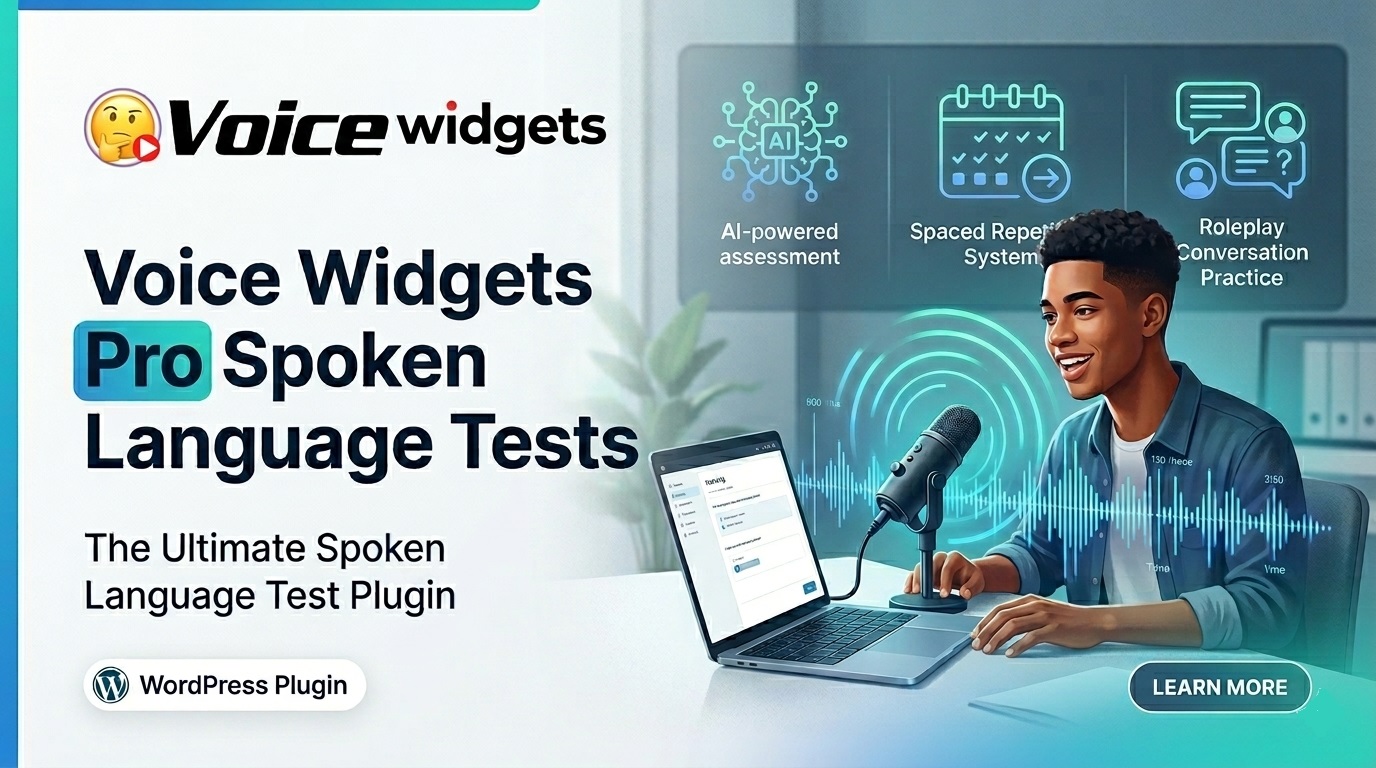
Voice Widgets Pro turns your WordPress site into a powerful spoken language testing platform. Teachers and students can create, take, and grade speaking tests with recording, AI evaluation, spaced repetition, difficulty scaling, and roleplay — all in one plugin. It works with or without AI, saves everything on your server, and delivers real practice that improves pronunciation and fluency fast.
Hey friend, if you teach languages or run an education site, you know the struggle. Students need real speaking practice, but most tools are clunky, expensive, or cloud-only. Voice Widgets Pro fixes that. It brings professional-grade spoken tests directly to your WordPress dashboard and frontend. No more switching apps. No more lost recordings.
What Are Spoken Language Tests in Voice Widgets Pro?
 Spoken language tests let students record themselves saying words, phrases, or full conversations. Teachers (or AI) review the audio, give scores, and provide feedback. The Pro version goes far beyond basic recording with smart learning features.
You create tests via shortcodes on any page. Students speak into their browser mic. Recordings upload securely to your server. Everything stays under your control.
Why Spoken Tests Matter More Than Ever in 2026
Speaking is the hardest language skill. Traditional methods like textbooks or apps with limited feedback don’t cut it. Voice practice with immediate playback and grading boosts confidence and retention dramatically.
- Real-world readiness — Students practice natural pronunciation, rhythm, and intonation.
- Personalized learning — Weak areas get targeted repetition.
- Accessibility — Works on any modern browser with a mic.
- Scalability — One teacher can manage dozens of students from the WP dashboard.
- Engagement — Recording feels interactive and fun compared to typing answers.
Language apps report speaking-focused practice can improve fluency 2-3x faster than passive methods. Voice Widgets Pro puts that power on your own site.
Core Features of Language Spoken Tests
Unlimited Test Creation Create as many tests as you want. Add words, phrases, or sentences. Bulk upload via CSV for speed. Use the AI Word-List Generator: just type a topic like “Restaurant Ordering” and get relevant phrases with phonetics.
Multiple Test Formats
- Spaced Repetition System (SRS)
- Difficulty Scaling (Beginner → Advanced)
- AI Roleplay Scenarios
- Listen & Repeat / Shadowing
- Exam Mode (one-shot recording)
Recording & Playback Students click “Start Speaking,” record, listen back instantly, and re-record if needed. Waveform visuals help analyze rhythm and volume.
Reference Audio Upload your own model pronunciations or generate them with built-in Text-to-Speech. Students see/hear the perfect version before or after their attempt.
Grading System
- Manual grading — Listen and score each recording in the backend.
- AI Evaluation — Powered by OpenAI Whisper for pronunciation accuracy (optional).
- Dashboard overview — See all students, attempts, and scores at a glance.
- Rich feedback — Add text notes, voice correction clips, timestamps on waveforms.
Student Results Portal Logged-in students view their own history and scores via shortcode. Great for self-paced learning.
Deep Dive: Speaking Test by Spaced Repetition (SRS)
SRS is a proven learning technique that reviews material at increasing intervals based on performance.
In Voice Widgets Pro:
- Low-accuracy words automatically go into a daily review queue.
- Mastery requires 90%+ score on multiple days.
- Students see clear levels (e.g., restaurant vocabulary from basic “Menu” to advanced “Chef specials”).
- Automatic scheduling saves teachers time.
Example flow: Student records “reservation.” AI or teacher scores it. Weak score? It returns tomorrow, then in 3 days, then weekly until mastered.
This feature alone makes the plugin a serious language learning tool.
Speaking Test by Difficulty Scaling Levels
One-click generation turns a basic list into Beginner, Intermediate, and Advanced versions.
How it works:
- Adjusts word length, phonetic complexity, and sentence structure.
- Teachers control the scaling.
- Students progress naturally without frustration.
Practical use: Business English test starts with simple greetings and scales to “Negotiating salary expectations” or “STAR technique in interviews.”
This keeps students challenged but not overwhelmed.
Speaking Test AI Roleplay – The Game Changer
This is where it gets exciting. Students practice real conversations, not isolated words.
Features:
- Scenarios like Job Interview, Restaurant Ordering, Doctor Visit.
- AI analyzes both pronunciation and contextual appropriateness (politeness, vocabulary choice).
- Listen & Repeat mode with reference audio.
- Shadowing visualizer for real-time practice.
Example: “Job Interview” roleplay. Student responds to prompts about strengths, weaknesses, and salary expectations. AI flags unnatural phrasing and suggests improvements.
Roleplay builds conversational confidence that static drills never can.
Technical Setup: How Easy Is It?
- Install Voice Widgets Pro.
- Create a new test in the backend — add words/phrases or import CSV.
- Choose test type (SRS, scaling, roleplay).
- Copy the shortcode and paste on any page or lesson.
- Students visit the page, record, and submit.
- Review everything from your WordPress dashboard.


Benefits for Different Users
For Language Teachers:
- Save hours on manual drills.
- Track progress with detailed reports.
- Provide personalized feedback at scale.
- Offer paid online courses with built-in assessment.
For Students:
- Practice anytime, anywhere.
- Instant playback to self-correct.
- Gamified progress with mastery levels.
- Private and pressure-free environment.
For Education Sites & Tutors:
- Add premium speaking practice as a membership feature.
- Increase course value and completion rates.
- Stand out from competitors using generic tools.
For Schools & Institutions:
- Centralized dashboard for multiple classes.
- Parent reports via automated weekly summaries.
Exam mode prevents cheating.
Real-World Use Cases
- Private tutor offering French conversation practice.
- Online language school with 200+ students.
- Corporate training site teaching Business English.
- University language department supplementing classroom work.
- Self-learners practicing IELTS speaking sections.
One tutor using similar voice tools reported 40% higher student retention because practice felt practical and measurable.
Comparison: Voice Widgets Pro vs Other Tools
Feature | Voice Widgets Pro | Duolingo / Common Apps | Dedicated Language Platforms |
Self-hosted / Data control | Yes | No | Usually No |
Custom test creation | Unlimited + AI assist | Limited | Yes (expensive) |
Manual + AI grading | Both | AI only | Varies |
Waveform feedback | Yes | Basic | Sometimes |
Roleplay scenarios | Advanced AI | Limited | Varies |
WordPress integration | Native | None | External |
One-time / Lifetime pricing | Yes | Subscription | High subscription |
Cost for teachers | Affordable | Free but limited | Expensive |
Voice Widgets Pro wins for control, depth, and value on your own site.
Advanced Features That Set It Apart
- Dual waveform visualizer — Compare your reference vs. student recording.
- Exam Mode — Locks after one attempt for fair testing.
- Randomized question banks — Prevents memorization.
- Bulk actions in grading inbox — Fast review of weak attempts.
- CSV + AI generator — Build huge vocab lists quickly.
- Automated parent/student reports.
These tools make professional language assessment possible without a big budget or team.
Integration with Other Voice Widgets Features
Spoken tests combine beautifully with the rest of the plugin:
- Use Speech-to-Text for dictation exercises.
- Text-to-Speech for model pronunciations.
- Voice messaging for student-teacher feedback.
- Transcription tools to analyze longer recordings.
One plugin handles recording, testing, grading, and playback.
Getting Started Tips
- Start small: Create one SRS test with 10 common phrases.
- Record your own reference audios for authenticity.
- Enable AI features gradually if you have an OpenAI key.
- Add the shortcode to a dedicated “Practice Area” page.
- Encourage students to use headphones for better focus.
Monitor the dashboard weekly and adjust difficulty based on class performance.
Potential Limitations
- Browser-based recording quality depends on the student’s mic.
- AI evaluation works best for major languages (strongest in English).
- Initial setup of many tests takes time (but bulk tools help).
- Requires Pro version for full language learning suite.
These are minor compared to the control and features you gain.
Measuring Success
Track:
- Completion rates of tests
- Average accuracy scores over time
- Student re-attempt frequency
- Time spent in roleplay scenarios
- Overall course satisfaction
Many educators see clear fluency gains within 4-6 weeks of regular use.
Why Choose Voice Widgets Pro for Spoken Tests?
It’s affordable, powerful, and built for WordPress users who want ownership of their data and tools. Whether you’re a solo tutor or running a growing language platform, these features deliver real results without complicated subscriptions or external logins.
The combination of SRS, difficulty scaling, AI roleplay, and rich feedback creates a complete speaking practice ecosystem.
Ready to try it? Head to the demo pages on dev.dna88.com or grab Pro for full access. Your students will thank you for the practical, voice-first practice they actually need.
FAQs About Voice Widgets Pro Spoken Language Tests
Do students need special software? No. Just a modern browser and microphone. Works on phones and computers.
Can it work without AI? Yes. Full manual grading and features are available without any AI connection.
How many students can use it? Unlimited on supported sites, depending on your license (up to 50 sites on Master plan).
Is student data private? Yes. Everything stores on your WordPress server.
Can I use it for group classes? Absolutely. Create class-specific tests and review all submissions in one dashboard.
Does it support multiple languages? Yes. All major languages for recording and recognition (strongest with Chrome/Edge).
Is there a free version? Basic recording exists in the free plugin, but full spoken test suite (SRS, roleplay, grading dashboard) requires Pro.
Voice Widgets Pro makes professional spoken language testing simple, effective, and affordable on your own WordPress site. If you teach languages, this is one of the smartest tools you can add in 2026.
Got questions about setting this up for your students? Drop a comment — happy to help you get started.
Conclusion
Voice Widgets Pro turns your WordPress site into a complete spoken language practice platform. With powerful features like Spaced Repetition, difficulty scaling, AI roleplay, waveform feedback, and easy grading, it delivers real results that generic apps simply can’t match.
Whether you’re a solo tutor, online teacher, or running a language school, this plugin gives you full control, data privacy, and professional tools — all inside your own website.
Students speak more, improve faster, and stay motivated. You save time while delivering better outcomes.
If you want better speaking practice on your site, Voice Widgets Pro is one of the smartest investments you can make right now.
Ready to give your students the practice they actually need? Try it today and hear the difference yourself.