We are the WordPress Gurus
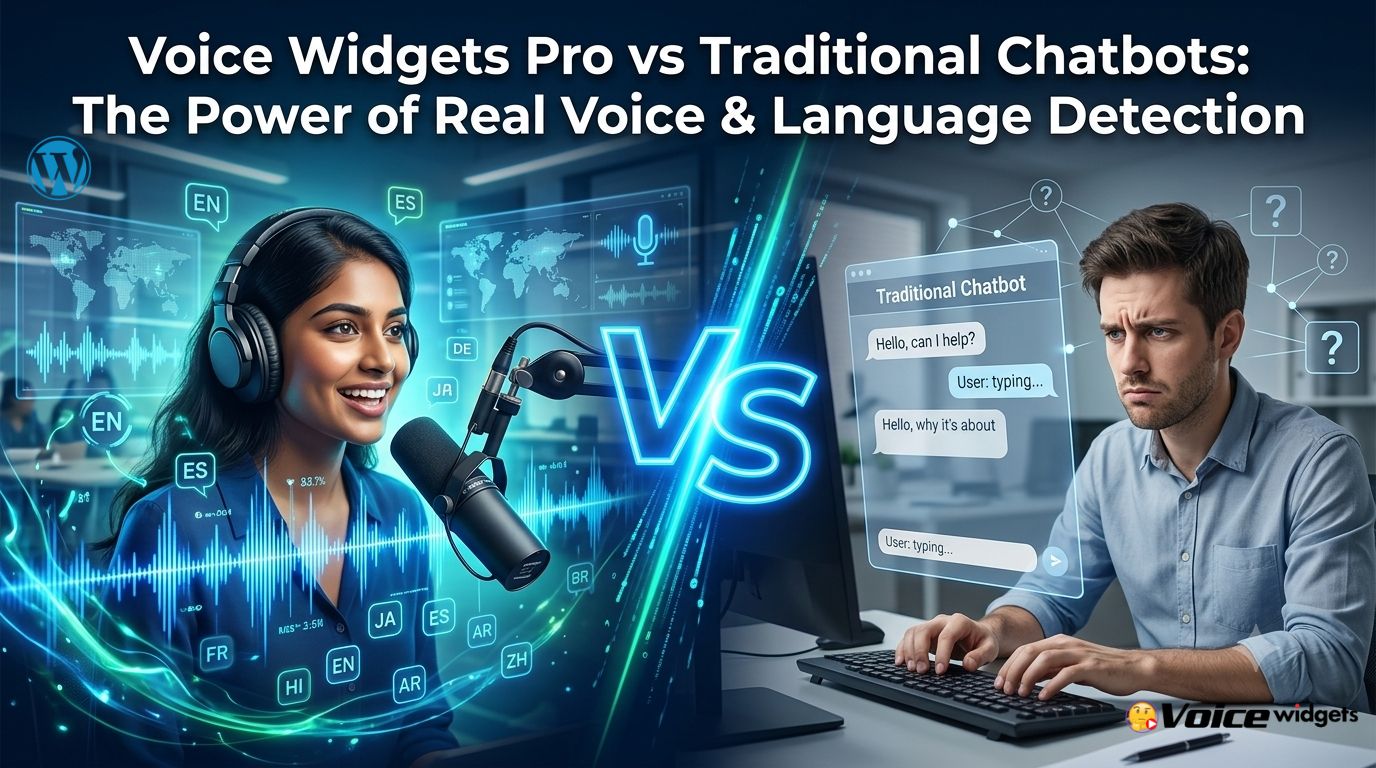
Voice Widgets Pro vs Traditional Chatbots: The Power of Language Detection

Voice Widgets Pro beats traditional chatbots for spoken language interactions because it uses real voice input with built-in language selection, powerful recognition, and specialized learning tools. Traditional chatbots rely on typed text and often struggle with natural conversation flow, accents, and pronunciation feedback. Voice Widgets Pro gives users a more personal, accurate, and effective experience — especially for language learning, forms, and engagement.
Hey friend, if you’re running a WordPress site with global visitors or language courses, you’ve probably tried chatbots. They work okay for quick questions but fall short when people want to speak. Voice Widgets Pro changes that. It focuses on voice recording, speech-to-text, and spoken tests with smart language support. Let’s break it down clearly.
What Is Language Detection in Website Tools?
 Language detection automatically figures out which language someone is using. In chatbots, it might switch the interface or responses. In voice tools, it helps recognize spoken words accurately across languages and accents.
Voice Widgets Pro doesn’t auto-detect spoken language in real-time like some advanced AI systems. Instead, it offers manual language selection for Speech-to-Text and strong multilingual support across features. This controlled approach often delivers better accuracy for education and forms.
Why Traditional Chatbots Struggle with Language
Most chatbots are text-first. Users type. The bot replies with pre-set or AI-generated text.
Common limitations:
- Poor handling of non-English speakers.
- No pronunciation feedback.
- Typing friction on mobile.
- Generic responses that feel robotic.
- Limited context in multilingual conversations.
Even AI chatbots like those powered by GPT can mix languages poorly or fail on accents when converted to voice.
How Voice Widgets Pro Handles Languages Better
Voice Widgets Pro uses browser-based Speech-to-Text (Web Speech API) plus optional Google Cloud or OpenAI Whisper. You pick the target language for dictation or tests.
Key strengths:
- Supports all major languages for Speech-to-Text.
- 20+ voices for Text-to-Speechacross many languages (English, Spanish, French, German, Italian, Russian, Chinese, Hindi, etc.).
- Language Learning Mode recognizes spoken attempts and gives feedback.
- Full control — no forced auto-detection errors.
This makes it more reliable for precise tasks like language practice.
Direct Comparison: Voice Widgets Pro vs Traditional Chatbots
Aspect | Traditional Chatbots | Voice Widgets Pro |
Input Method | Text typing | Voice recording + optional text |
Language Handling | Auto-detection often inaccurate | Manual selection + strong recognition |
Pronunciation Feedback | None | Waveform, playback, AI scoring |
Best For | Quick Q&A, support | Language learning, forms, reviews |
Data Privacy | Often cloud-based | Self-hosted on your WordPress |
Engagement | Screen-focused | Hands-free, personal voice |
Accuracy with Accents | Variable | Better with chosen language mode |
Setup on WordPress | Widget embed | Native plugin, shortcodes |
Voice wins for depth. Chatbots win for simple text chats.
The Power of Language Selection in Spoken Tests
In Voice Widgets Pro’s spoken language tests, you set the target language. Students speak. The system compares against reference audio or AI models.
Benefits:
- Accurate recognition tailored to the lesson language.
- Immediate playback so students hear mistakes.
- AI evaluation (Whisper) for pronunciation scoring.
- Works without AI for full privacy and lower cost.
This beats chatbots that can’t listen and correct spoken errors.
Real Use Cases Where Voice Widgets Pro Shines
Language Schools & Tutors Create SRS tests in Spanish, French, or English. Students record. You grade with waveforms. Roleplay scenarios practice real conversations.
Multilingual Websites Add voice forms that support different languages. Visitors from France record in French. The system transcribes accurately when language is set.
Customer Feedback & Reviews WooCommerce voice reviews in native languages. Higher completion rates than typed forms.
Global Support Floating voice widgets let users speak their issue in their preferred language. You get clear audio + transcription.
Corporate Training Employees practice Business English or other languages with difficulty scaling and AI roleplay.
Benefits Over Chatbots for Global Audiences
- Higher completion rates— Speaking is faster and more natural than typing long messages.
- Better accessibility— Helps users with disabilities or on the go.
- Deeper learning— Pronunciation and fluency practice that text chatbots can’t provide.
- Trust building— Hearing a real voice (or leaving one) feels more personal.
- SEO & Engagement— Longer time on site, better signals to Google.
Studies show voice interactions can boost engagement significantly in education and support scenarios.
Setup and Customization for Multilingual Sites
- Install Voice Widgets Pro.
- Set default language or allow per-widget selection.
- Add shortcodes for spoken tests or voice forms.
- Choose STT provider (browser, Google, or OpenAI).
- Enable TTS for content playback in multiple voices.
- Test with real users from different regions.
Everything stays on your server. No third-party data leaks.
Advanced Features That Go Beyond Basic Chatbots
- Spaced Repetition System (SRS)— Automatically reviews weak words in the chosen language.
- AI Roleplay— Contextual conversations with pronunciation + appropriateness scoring.
- Difficulty Scaling— Beginner to advanced in any supported language.
- Dual Waveform Visualizer— Compare reference vs. student recording visually.
- Bulk CSV Import + AI Word Generator— Quickly build tests for any language topic.
These tools make Voice Widgets Pro a complete language platform, not just a chatbot replacement.
Potential Drawbacks and Honest Comparison
Voice Widgets Pro requires microphone access and works best in modern browsers (Chrome/Edge strongest). Traditional chatbots are easier for pure text support but lack voice depth.
When to use each:
- Use chatbots for 24/7 text FAQ.
- Use Voice Widgets Pro for voice-first experiences and learning.
Many sites combine both for the best of both worlds.
Measuring Results on Your WordPress Site
Track:
- Voice form completion rates vs text.
- Student accuracy scores over time.
- Session duration with voice features.
- Conversion from voice CTAs.
- Feedback quality in multilingual reviews.
Most users see clear improvements in engagement within weeks.
Future of Voice vs Text on Websites
In 2026 and beyond, voice is growing fast. Tools that handle languages naturally will dominate. Voice Widgets Pro positions your site ahead by focusing on real spoken interaction with reliable language tools.
Urgency: Global audiences expect better than basic chatbots. Voice + smart language support converts better and builds loyalty.
Quick Wins to Get Started
- Add a multilingual voice form to your contact page.
- Create one spoken test in a second language.
- Enable TTS for key content.
- Compare voice vs text engagement in analytics.
Voice Widgets Pro gives you powerful, focused language tools that traditional chatbots can’t match.
FAQs About Voice Widgets Pro and Language Features
Does Voice Widgets Pro auto-detect spoken language? It supports manual selection for high accuracy. You choose the language for best recognition results.
How many languages does it support? Major languages for Speech-to-Text and 20+ voices for Text-to-Speech, covering English, Spanish, French, German, Chinese, Hindi, and more.
Can it replace a full chatbot? It excels at voice interactions and forms. Use alongside a text chatbot for complete coverage.
Is it good for non-English sites? Yes. Strong multilingual support makes it ideal for global or multilingual WordPress sites.
Does it work without AI? Fully. All core recording, playback, and manual grading work without any AI connection.
How private is the data? Everything stores on your own server — a big advantage over cloud-only chatbots.
Voice Widgets Pro delivers the power of voice with practical language tools that traditional chatbots lack. If you want more natural, engaging, and educational interactions on your site, this plugin is worth trying today.
Got questions about setting it up for your multilingual audience? Comment below — happy to help.
Conclusion
Voice Widgets Pro offers a clear advantage over traditional chatbots when it comes to real voice interactions and language handling. While chatbots are great for quick text replies, Voice Widgets Pro delivers natural spoken engagement, accurate language support, pronunciation feedback, and powerful learning tools like SRS and AI roleplay.
It gives you better user experiences, higher engagement, stronger trust, and full data control on your own WordPress site.
For language teaching, multilingual forms, or voice-first customer interactions, Voice Widgets Pro is the smarter, more powerful choice in 2026.
Ready to move beyond basic chatbots?
Try Voice Widgets Pro today and give your visitors the voice experience they actually want.